

FeaturedHow-to
How to Clip GTA 6 Gameplay for TikTok, Reels, and Shorts
GTA 6 is out on PS5 and Xbox Series X|S. How to record and clip your gameplay on console, pick moments worth posting, and cut them for vertical feeds.
8 min read
How-to guides for short-form video: cutting long recordings into clips, picking a length for TikTok, Reels, and Shorts, and trimming footage without losing quality. New to Klyph? Start with the getting started guide.
GTA 6 is out on PS5 and Xbox Series X|S. How to record and clip your gameplay on console, pick moments worth posting, and cut them for vertical feeds.
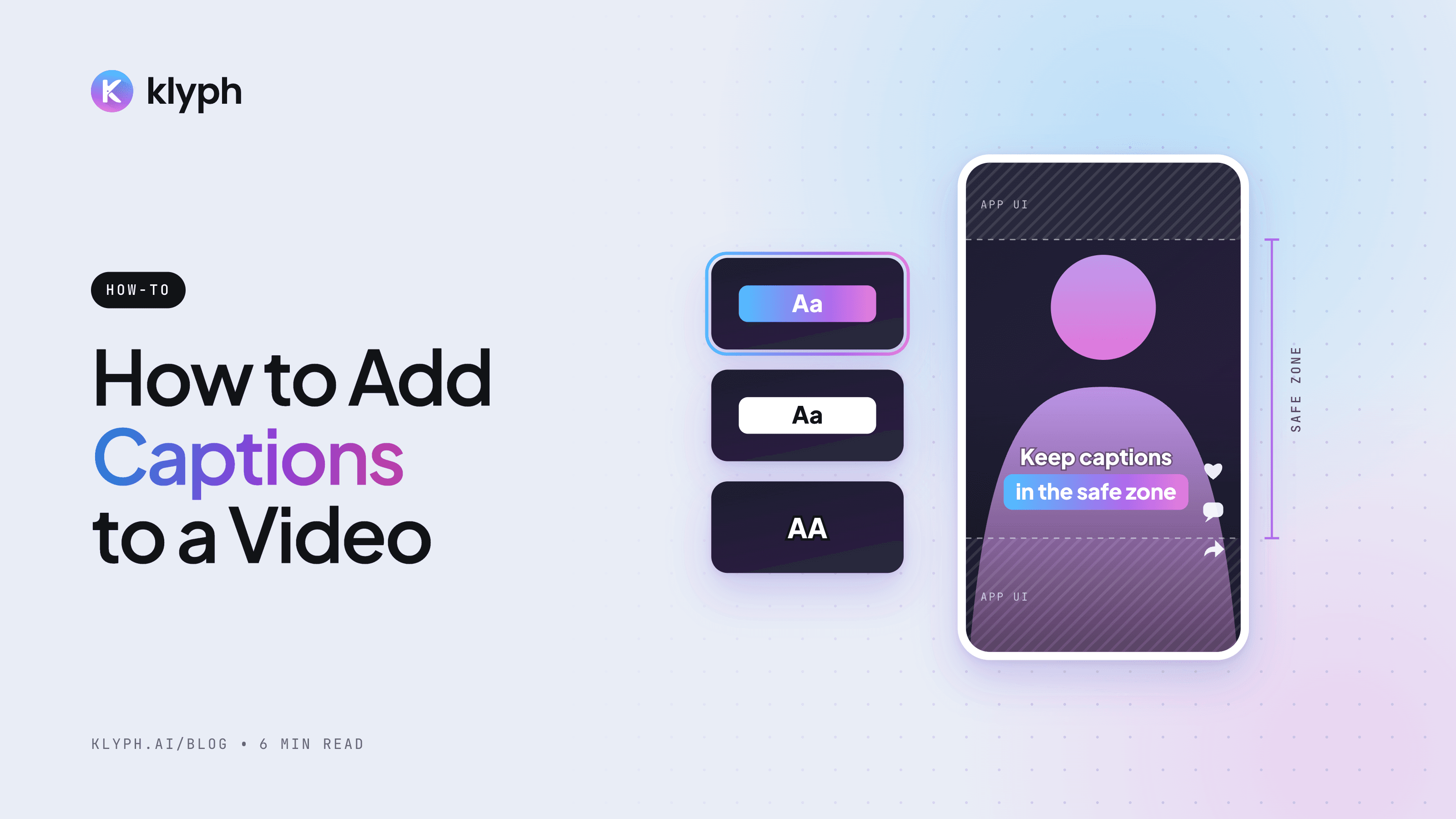
Burned-in captions, SRT files, or in-app captions: which to use, how to add each one for free, and how to style captions people can read on a phone.
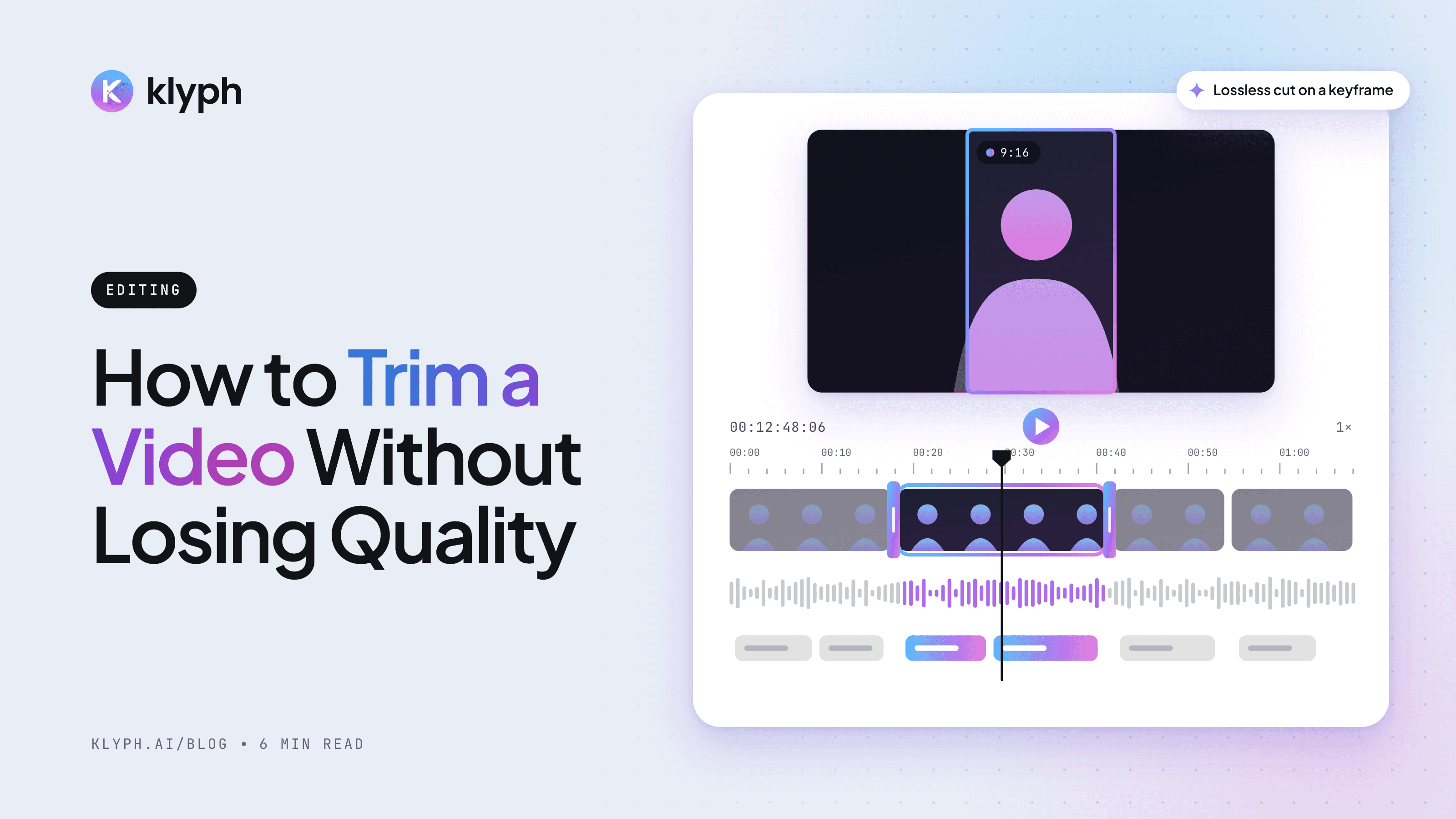
Why trimming can reduce video quality, how lossless cuts work, and the settings to use in online trimmers, desktop editors, and FFmpeg.
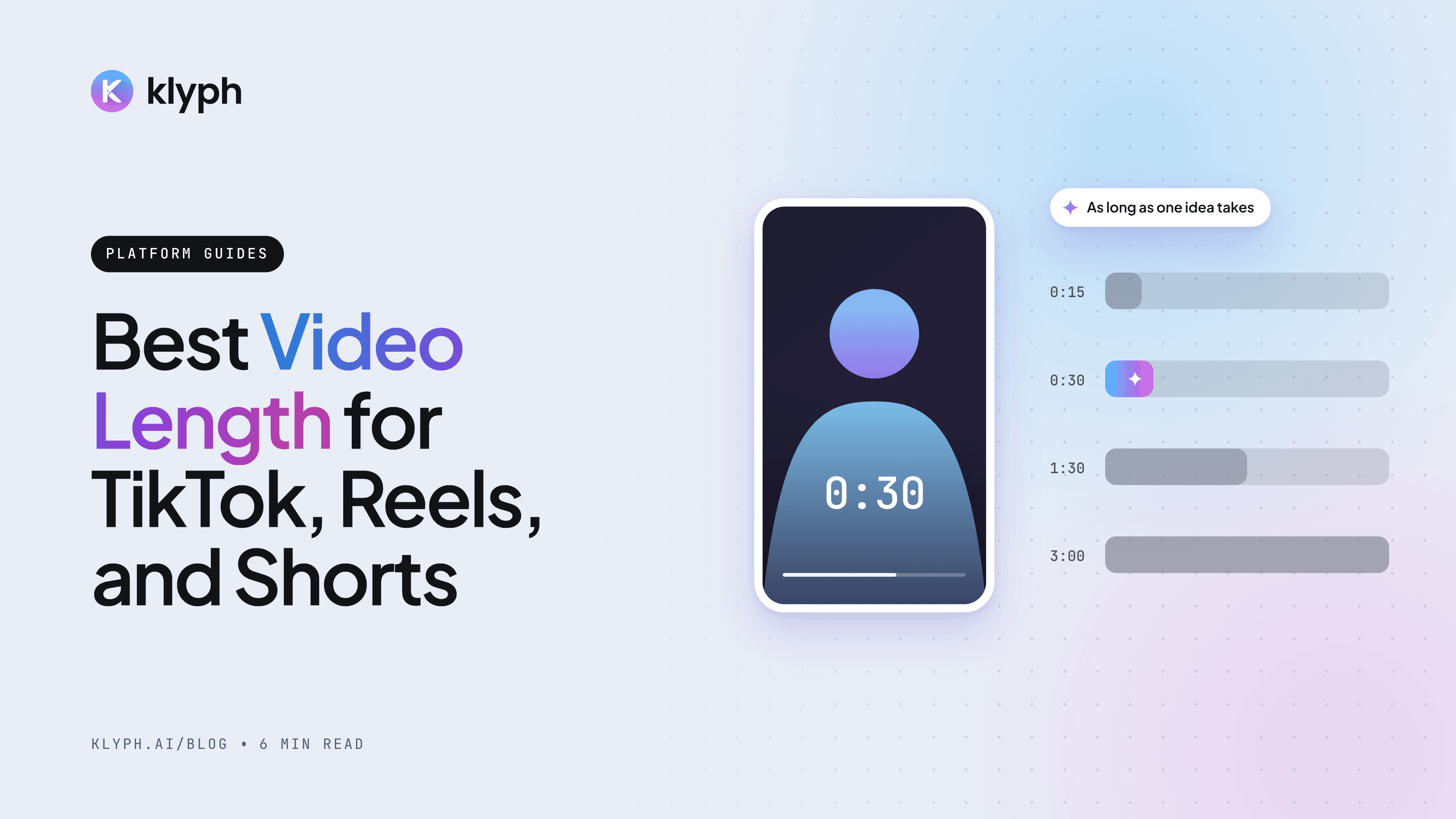
How long your TikTok, Instagram Reels, and YouTube Shorts should be, what the platform limits allow, and how to find the right length with your own data.
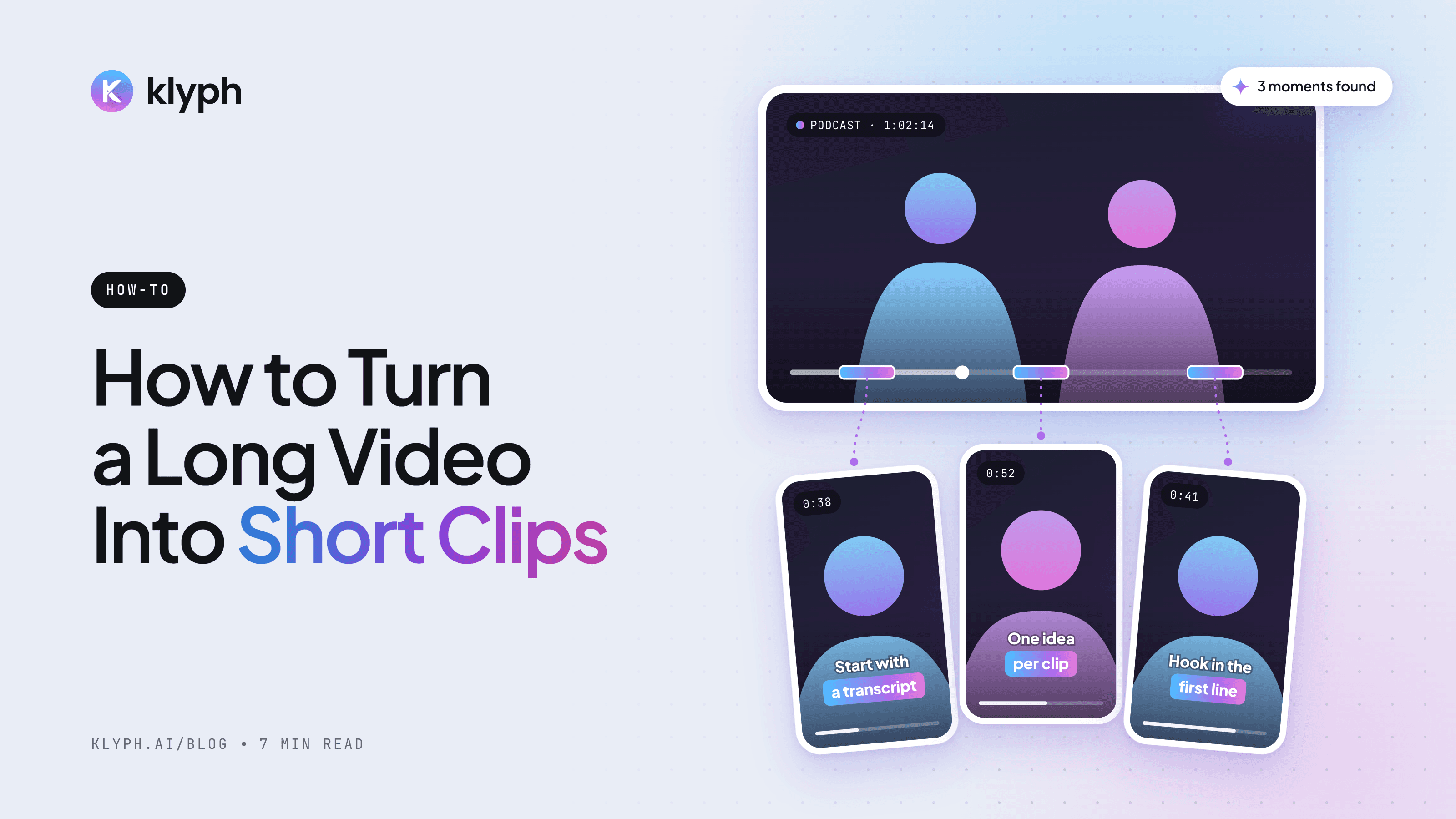
A practical workflow for cutting a podcast, webinar, or talk into vertical short clips for TikTok, Reels, and Shorts, by hand or with an AI tool.
Work from a transcript, since reading is faster than scrubbing a timeline. Give each clip one idea, a first line that works without context, and a clean ending. Then reframe to 9:16, burn in captions, and export every clip as its own file.
Read the full guide →There is no single best length. The right length is the shortest cut that fully delivers the idea. YouTube Shorts and Instagram Reels both allow up to 3 minutes and TikTok allows longer uploads, so check retention data to see where viewers drop off.
Read the full guide →Quality loss comes from re-encoding, not from the cut itself. A stream copy trim keeps the original quality but cuts cleanly only at keyframes. For frame-exact cuts, re-encode once at high quality with the source resolution and frame rate.
Read the full guide →Decide between burned-in captions, which suit TikTok, Reels, and Shorts, and an SRT or VTT file, which suits YouTube long-form. Generate the transcript with an auto caption tool or type it with timestamps, proofread names and numbers, then export.
Read the full guide →