
Edit UGC and marketing videos for short-form
Klyph edits UGC and marketing videos into short clips that look at home on TikTok, Reels, and Shorts. Creator footage, founder talking heads, product walkthroughs, and customer testimonials all arrive long and messy. Klyph cuts the filler, finds the strongest opening line, and adds captions plus cutaways from your own product library.
Last updated
How do you edit UGC videos with Klyph?
Upload the raw footage, pick the UGC preset, and Klyph returns ranked cuts with a native, unpolished look. You test different hooks on the same clip, add product shots from your library as B-roll, and export a version for each placement: 9:16 for TikTok and Reels, 1:1 for feeds.
- Step 01
Upload the raw takes
Creator footage, founder videos, or customer testimonials, as MP4, MOV, MKV, or WebM.
- Step 02
Pick the UGC preset
Captions and pacing that feel like something a person posted from their phone.
- Step 03
Try hooks and export
Switch between three alternate hooks on each clip and export every version you want to test.
Why use Klyph for UGC and marketing clips?
Marketing teams usually need several versions of one clip to test. Klyph gives each candidate three alternate hooks and lets you rewrite the opening with a text prompt. You can export variations from a single take without rebuilding the edit each time.
Three hooks per clip
Switch between alternate openings in the editor and export each one as its own MP4 for testing.
Product B-roll from your library
Upload logos, product shots, and branded footage once. Klyph tags them and cuts to them when the product is the subject of a sentence.
Licensed stock on paid plans
When your library doesn't have the shot, paid plans include 140M+ stock clips and photos cleared for commercial use.
AI cutaways (preview)
Generate a cutaway from a text prompt with Kling or Runway. It stays watermarked until you approve it, and it's billed at 0.5 credits per second.
Who is this for?
Brands and marketers who get raw video from creators or customers and need it cut for short-form placements. If you have more footage than editing hours, Klyph gives you ranked first cuts with hook variants ready to test. Your editor's time goes to the final polish.
- DTC brands working with UGC creators
- Performance marketers testing hooks on paid social
- Founders who record their own product videos
What does one testimonial look like in Klyph?
One phone-recorded testimonial can become several ad variants. Below, a single file goes in and six exports come out: three hooks in two aspect ratios. The testimonial is an example. Which variant wins is something your ad account will tell you, not Klyph.
Source: a 6-minute customer testimonial recorded on a phone
- Upload the file and choose the UGC preset.
- Klyph trims fillers and long pauses and ranks the candidates.
- Take the top candidate and export it once with each of its three hooks.
- Where the customer names the product, cut to a product shot from your library.
- Export 9:16 for TikTok and Reels and 1:1 for feed placements.
Frequently asked questions
Can Klyph make clips look less polished?
Yes. The UGC preset uses a native-feeling, unpolished look on purpose. You can still change caption styles per clip.
Can I use Klyph's stock footage in ads?
Paid plans include licensed stock cleared for commercial use. Check your ad platform's own policies for anything else they require.
How do I test different hooks on the same clip?
Every candidate comes with three alternate hooks. Switch between them in the editor, or type a prompt to rebuild the first three seconds, then export each version.
Can I add my logo and brand colors?
Yes. Upload your logo, primary color, accent color, and display font to the brand kit, and every job uses them by default.
Will the free trial watermark my exports?
Yes. Free trial exports carry a watermark. Pro removes it starting with your next export.
Related use cases
- Agencies
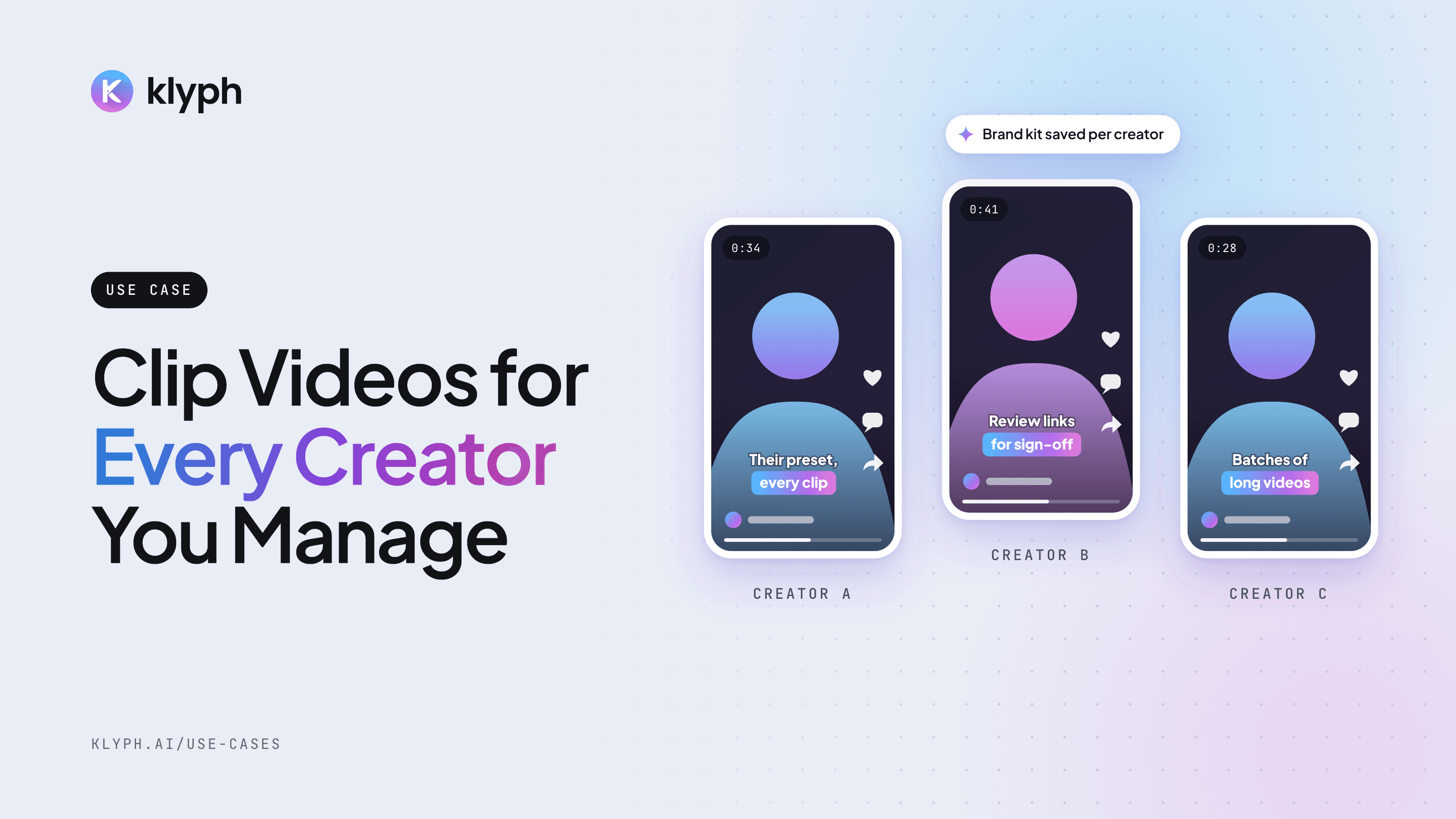
Agencies managing multiple creators
Keep each creator's brand kit and preset saved, run their long videos in batches, and get sign-off through review links.
See how it works - YouTube
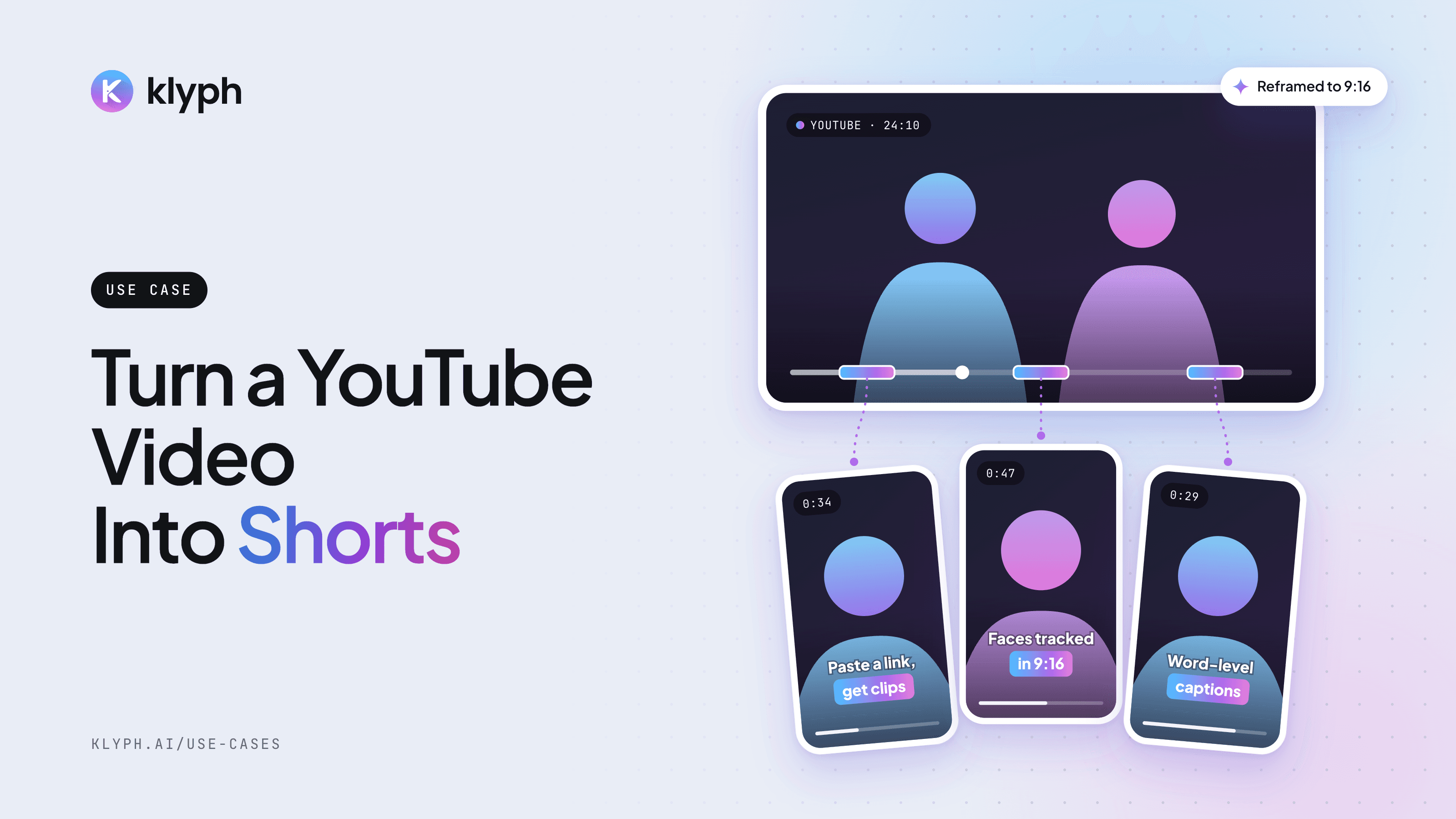
YouTube video to Shorts
Paste a YouTube link and get vertical Shorts with hooks tested, faces tracked, and captions laid out for 9:16.
See how it works