
Klyph use cases
These Klyph use cases cover the jobs people bring to it most: clipping podcasts, cutting YouTube videos into Shorts, pulling highlights from webinars, promoting courses, clipping gameplay and stream VODs, running clips for several creators, and editing UGC. Each page walks through the steps, the features that matter for that kind of footage, and an example workflow.
Last updated
All use cases
- Podcasts
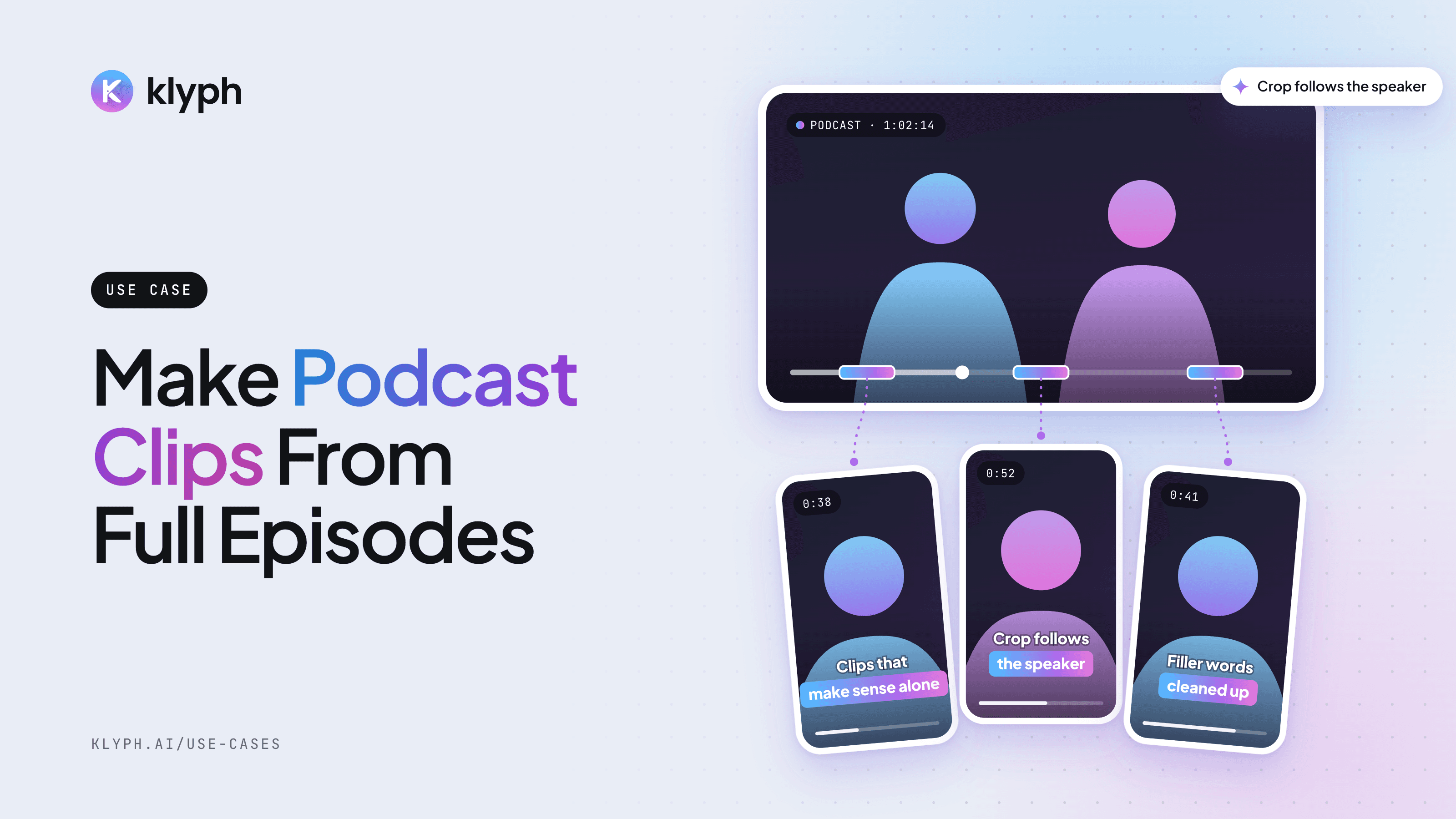
Podcast clips
Pull speaker-aware vertical clips out of a full episode, with the crop following whoever is talking.
See how it works - YouTube
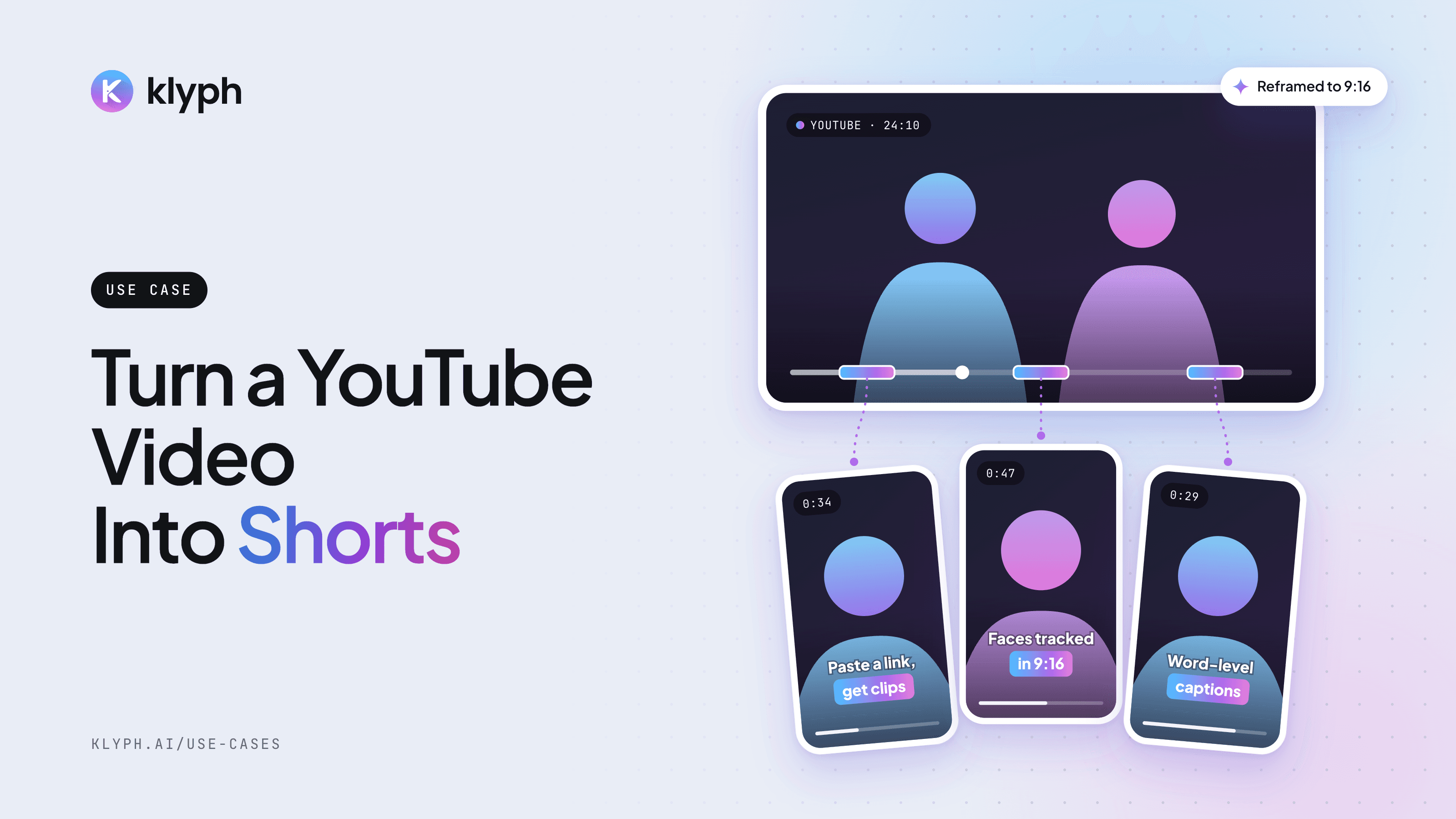
YouTube video to Shorts
Paste a YouTube link and get vertical Shorts with hooks tested, faces tracked, and captions laid out for 9:16.
See how it works - Webinars & streams
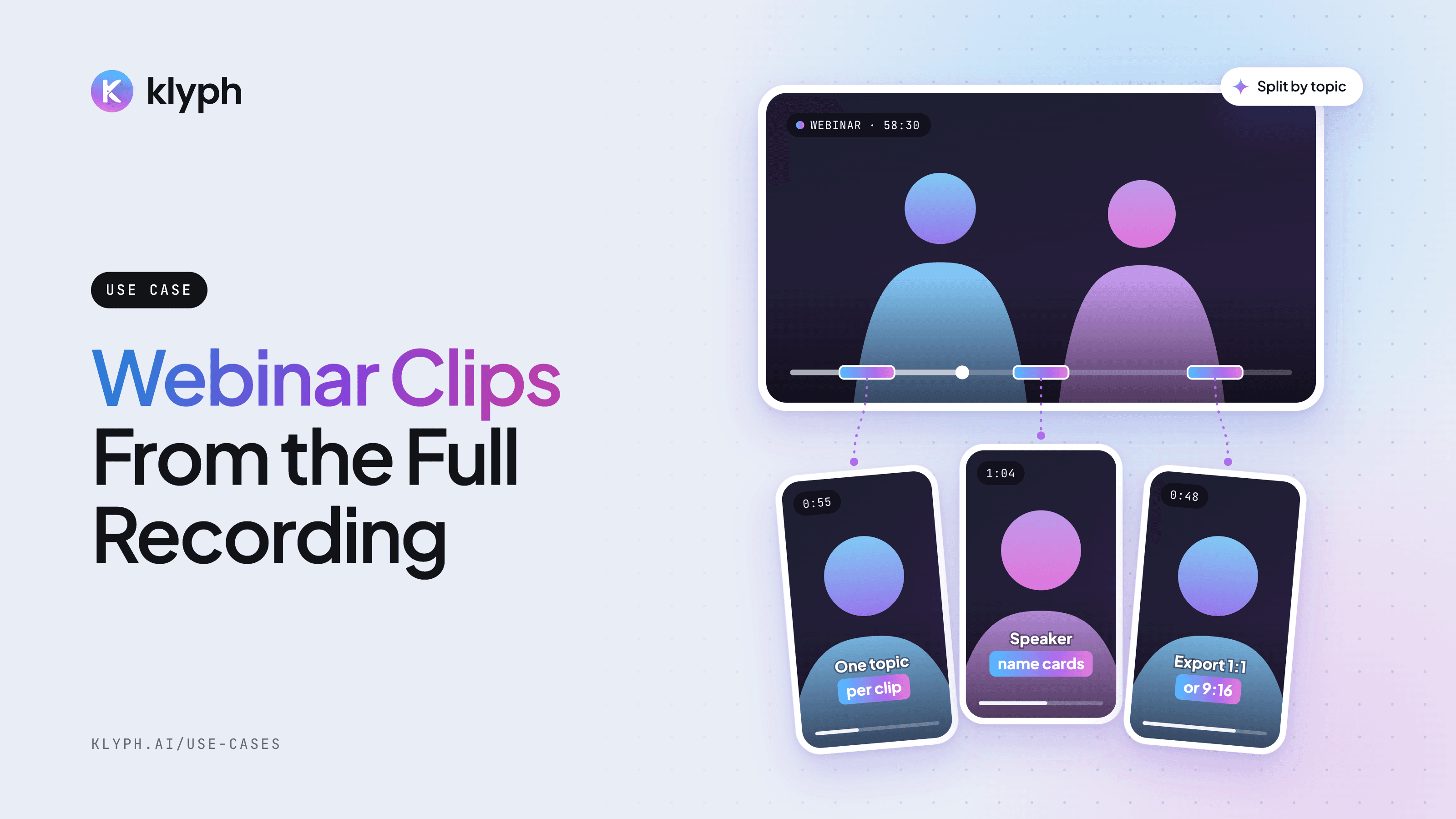
Webinar and livestream clips
Split a long session into topic-sized clips, add speaker name cards, and export 1:1 for LinkedIn or 9:16 for Reels.
See how it works - Courses & coaching
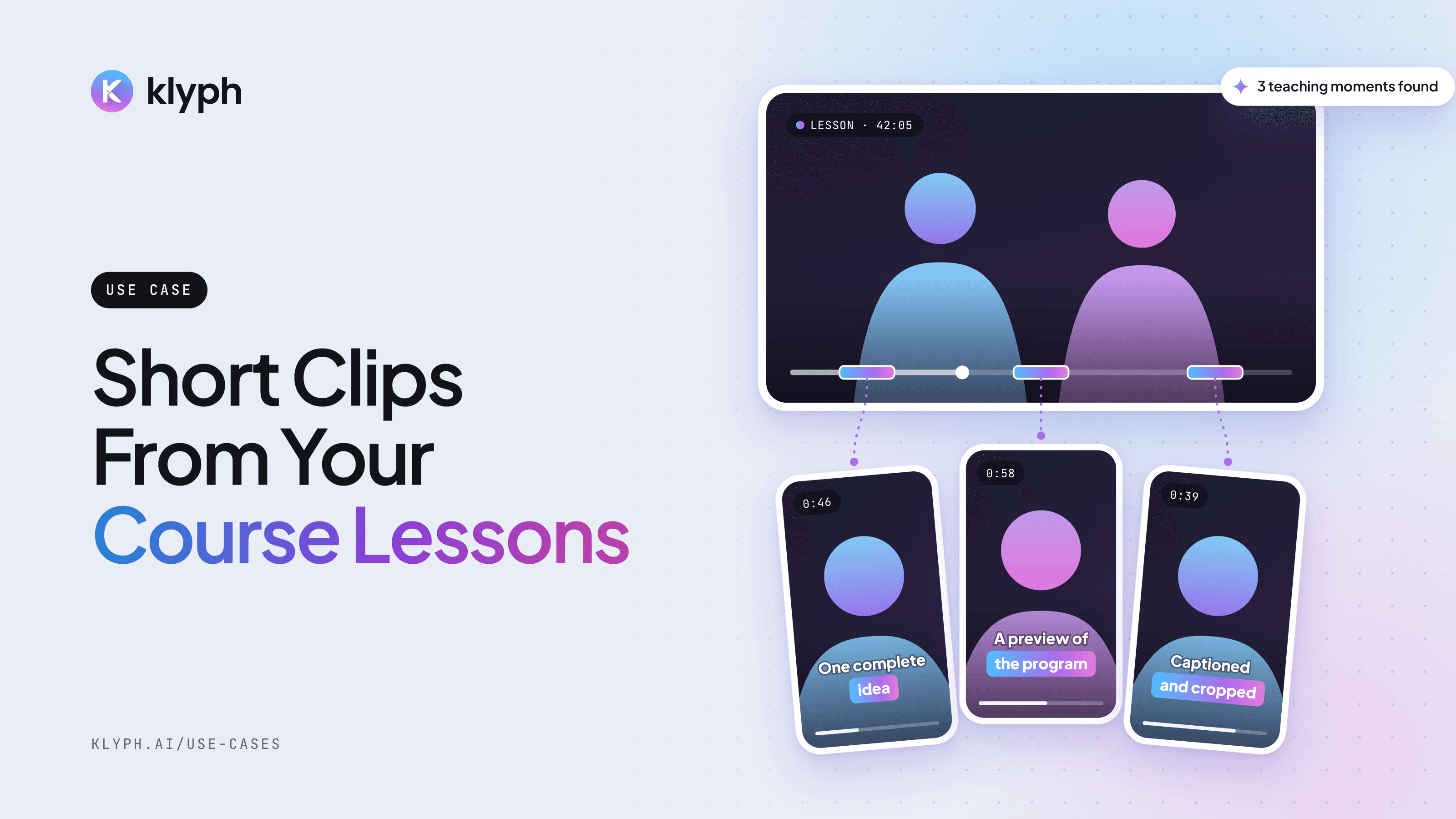
Course and coaching clips
Find the parts of a lesson that teach one complete idea and post them as previews for the full program.
See how it works - Agencies
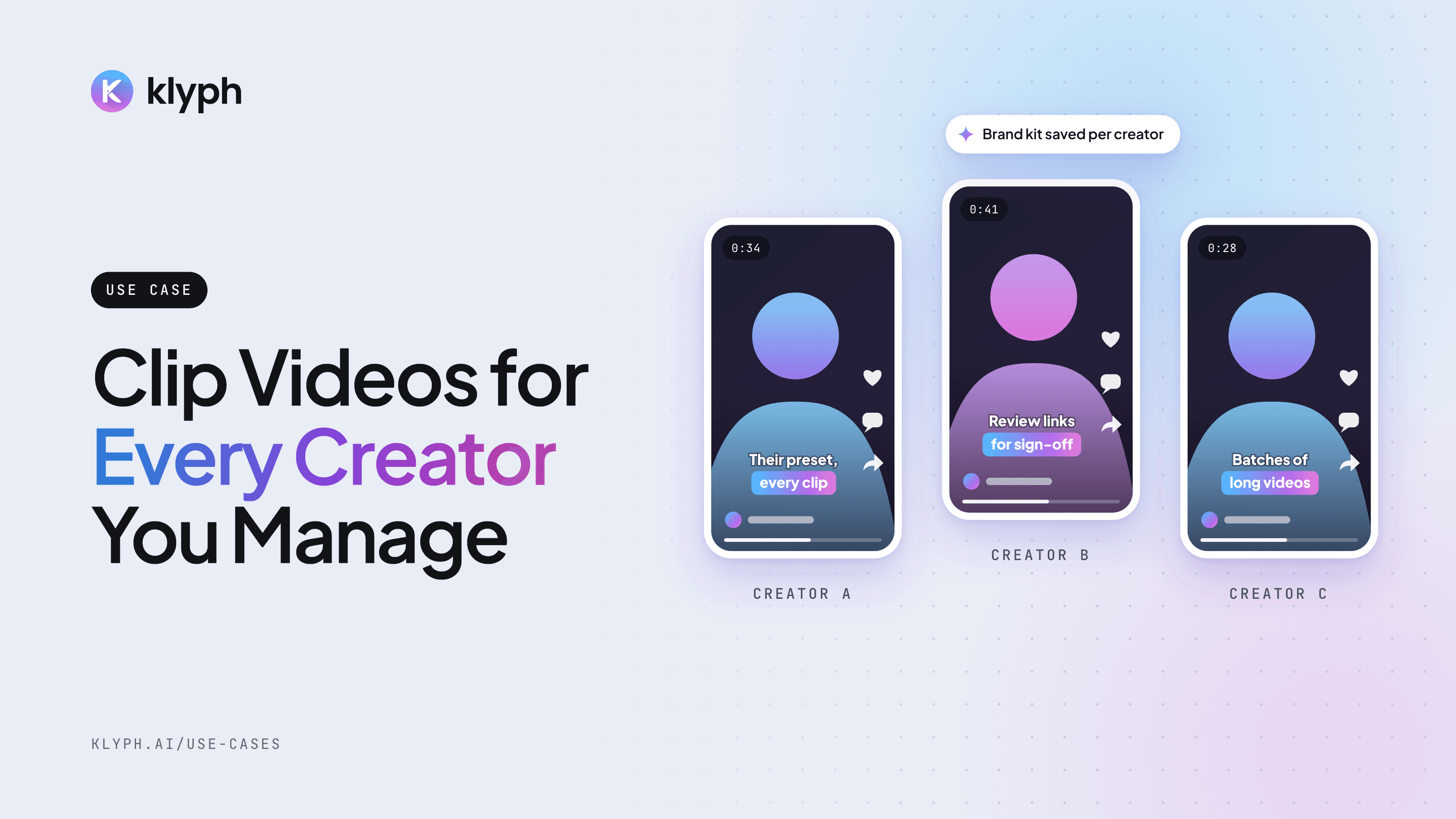
Agencies managing multiple creators
Keep each creator's brand kit and preset saved, run their long videos in batches, and get sign-off through review links.
See how it works - UGC & marketing
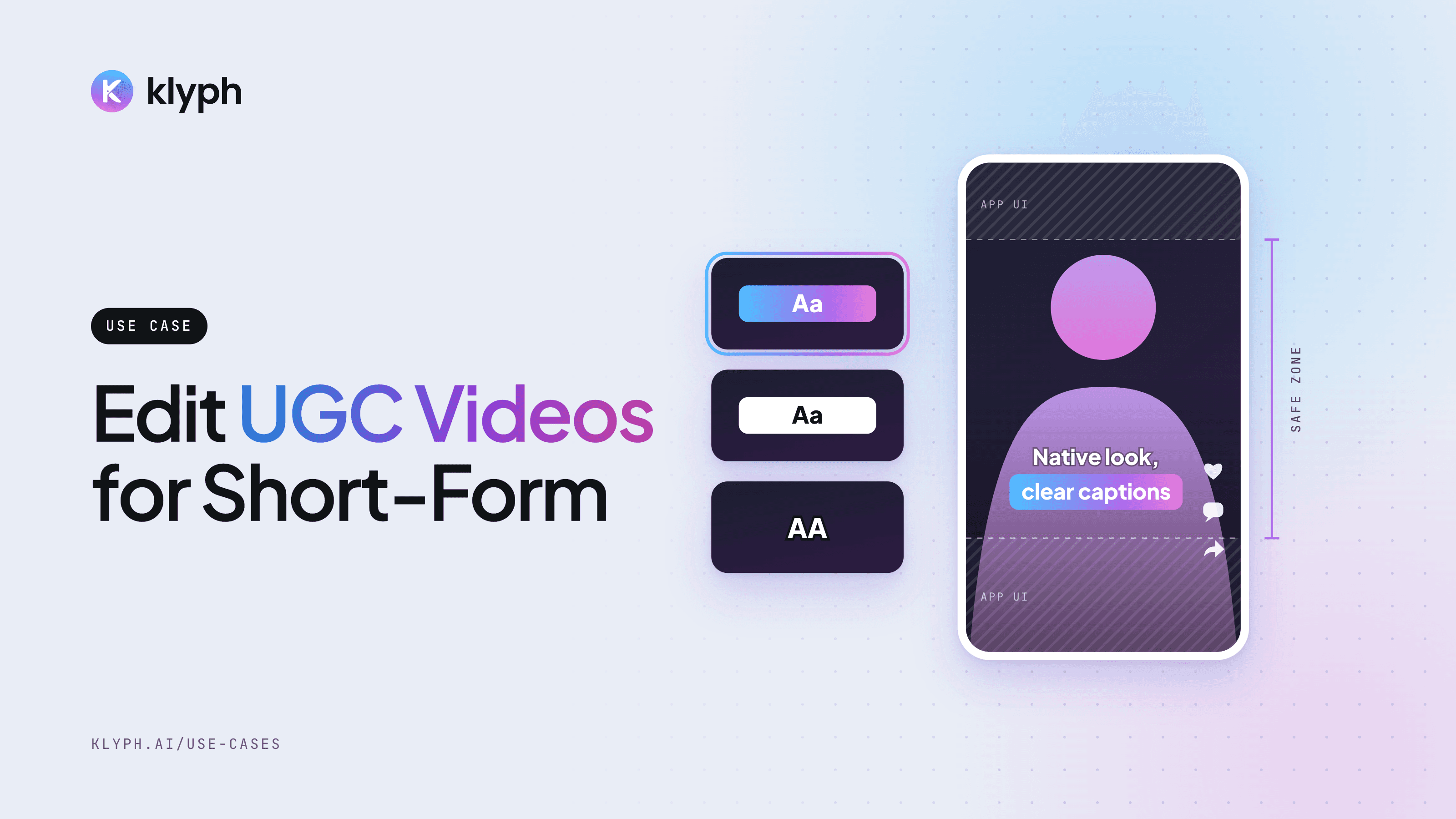
UGC and marketing videos
Turn raw creator takes and testimonials into native-looking short clips, with several hook variants to test.
See how it works - Gaming
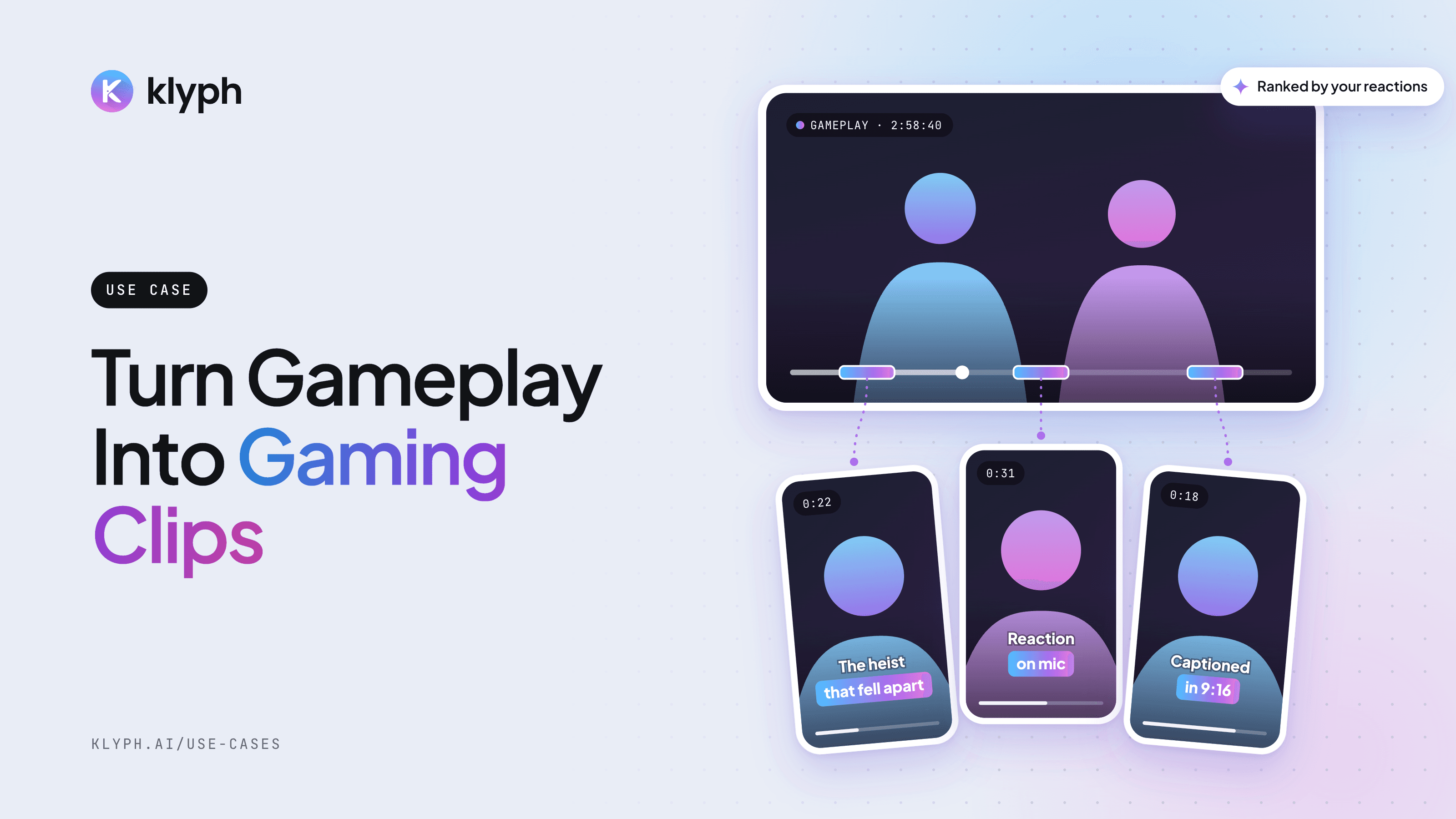
Gaming clips
Turn long gameplay recordings and stream VODs into vertical clips, ranked by your reactions and the action on screen.
See how it works
What do all of these have in common?
Every use case starts with a long video and ends with short clips. Klyph transcribes the source with word-level timestamps, scores each segment from 0 to 100 on hook, coherence, emotion, pacing, and payoff, then reframes and captions the clips you pick. What changes between use cases is the preset, the aspect ratio, and who reviews the result.
Want to trim a single file first? Try the free video trimmer, read clipping guides on the blog, or follow the five-minute quickstart.