How to Clip GTA 6 Gameplay for TikTok, Reels, and Shorts
GTA 6 is out on PS5 and Xbox Series X|S. How to record and clip your gameplay on console, pick moments worth posting, and cut them for vertical feeds.
GTA 6 is out. Rockstar released it on November 19, 2026, for PlayStation 5 and Xbox Series X|S, and there's no PC version yet. So every GTA 6 gameplay clip you see this month came off a console, through either the built-in capture tools or a capture card. This guide covers both. Then it gets to the part that decides whether anyone watches: picking the moment and cutting it for a vertical feed.
How do you clip GTA 6 gameplay?
To clip GTA 6 gameplay, record on your console or through a capture card, then cut short segments out of the recording. On PS5, press the Create button and save recent gameplay, up to the last hour. On Xbox Series X|S, hold the Share button to save the last stretch of play. Move the file to a computer or phone, trim each clip down to one moment, reframe it to 9:16, add captions, and export an MP4 per clip. Then post each one with a caption written for that platform.
The console tools are fine for the odd moment you catch live. If you stream or want to clip a whole evening of play, a capture card is the better setup. Both are below.
How do you clip on PS5?
The PS5's recent-gameplay buffer is the most useful capture tool on either console, because it can go back a full hour.
- Set the buffer before you play. Go to Settings > Captures and Broadcasts > Captures > Shortcuts for Create Button, then Length of Recent Gameplay Clip. The options run from 15 seconds to 1 hour. Fifteen or thirty minutes covers most surprises without huge files.
- Save when something happens. Press Create and choose Save Recent Gameplay. You don't need to stop playing to trim it. Do that later on a bigger screen.
- Record forward for planned runs. If you know a heist or a long chase is coming, pick Start New Recording from the same menu instead.
- Move it off the console. Open the Media Gallery, select the clip, and copy it to a USB drive formatted as exFAT or FAT32.
Saved recent gameplay comes out at 1080p. That works, but read the resolution note further down before you lock in your settings.
How do you clip on Xbox Series X|S?
Hold the Share button on the controller to save what just happened. The default window is 30 seconds. You can lengthen it under Settings > Preferences > Capture & share, but the cap is short: a minute or two at 1080p and less at 4K. For anything longer, press Share to open the capture menu and choose Start recording before the action starts. Get clips off the console through the Xbox app on your phone or an external drive.
The short buffer makes Xbox's built-in tools a poor fit for long sessions. If you play on Xbox and want more than quick saves, use a capture card.
Should you use a capture card instead?
If you stream, yes. A capture card sits between the console and the TV and sends the picture to OBS or similar software on a PC. You get the whole session in one file, your mic on its own track, and a facecam if you use one.
Two setup details catch people out. On PS5, go to Settings > System > HDMI and switch off Enable HDCP first. With it on, most capture cards show a black screen.
The second is resolution. A 9:16 crop taken from a 1080p frame is only about 608 pixels wide, so it gets upscaled to fill a 1080×1920 export. Recording at 1440p or 4K gives the vertical crop more detail. If your PC or card can't handle that, 1080p60 still looks fine on a phone.
What GTA 6 moments are worth clipping?
In launch week everyone is playing the same map and the same opening missions. Scenery shots of the city won't stand out for long. What's different in your footage is you and the stuff that went sideways.
Start with things going wrong. A chase that ends in the water, a ragdoll down a flight of stairs, an NPC doing something you didn't expect. These make sense with no setup, which is what a clip needs. Your reaction is the other half, so keep your mic on. A real laugh or a groan does more for a clip than any caption.
Small discoveries work too: a detail in the world, an interaction most players walked past, a faster way to do something the game doesn't explain. Lead with the discovery itself, not the walk to it. And if you have an opinion about the game, a 30-second first impression that takes a side will start more arguments in the comments than a neutral tour.
Leave story spoilers out, especially in the first few weeks. Plenty of players haven't reached the ending, and a spoiler is a quick way to get muted. Rockstar also publishes a video policy for fan content on its support site. Read the current version before you put ads on GTA videos.
How do you cut a GTA 6 clip for TikTok, Reels, and Shorts?
Most gameplay clips lose people in the first second, usually to a loading screen or a long walk up to the action.
- Start on the action. Cut the approach. If the clip is about a crash, open a beat before impact, not at the start of the drive.
- One moment per clip. Most gameplay moments are short once the build-up is gone. Let the clip run as long as the moment does and end on the payoff or your reaction. Best video length for TikTok, Reels, and Shorts covers current limits.
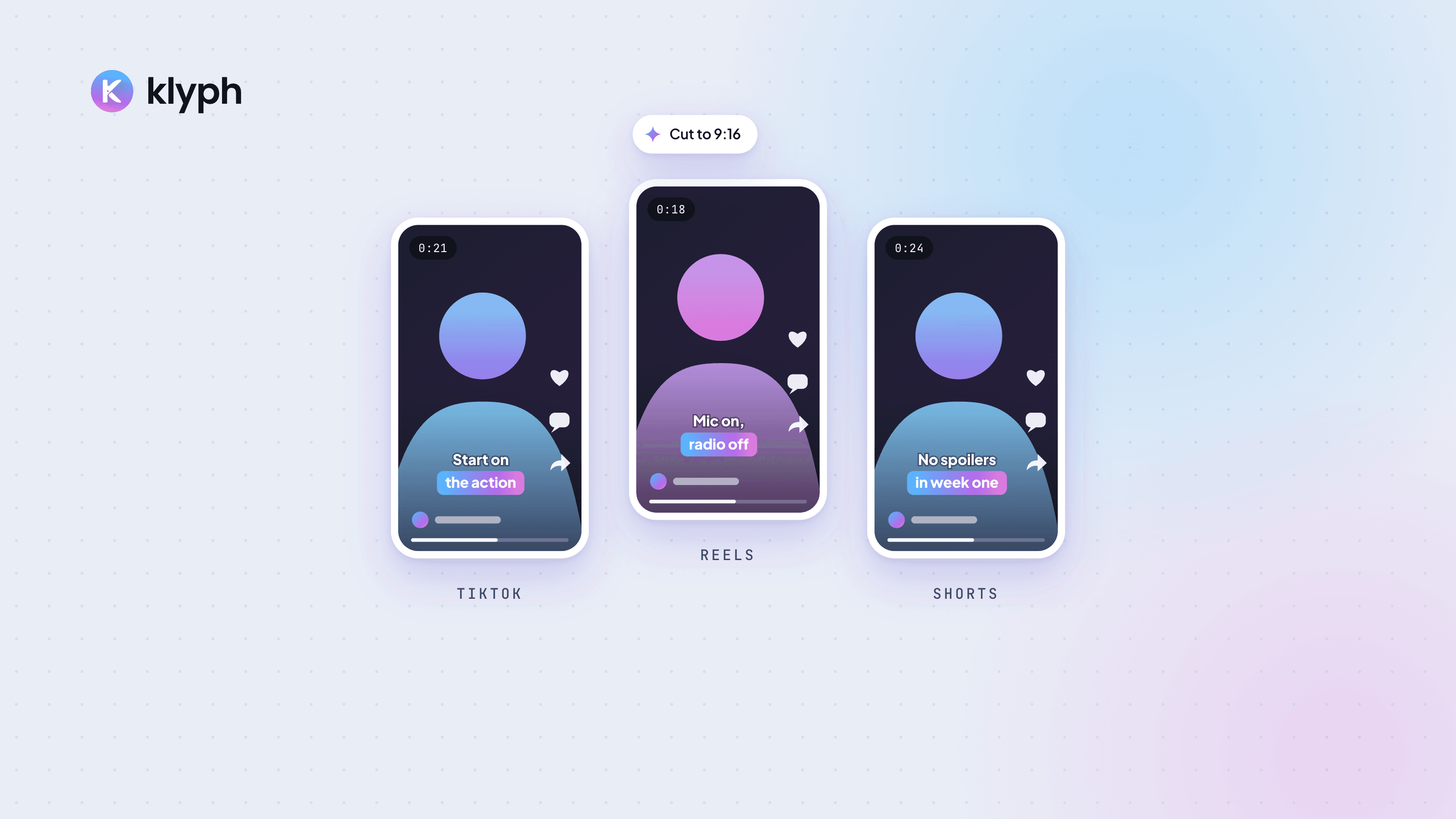
- Reframe to 9:16. Keep the car, the character, or the explosion in the frame. The minimap and HUD will usually fall outside the crop, and that's fine. If you use a facecam, either stack it above the gameplay or leave it out.
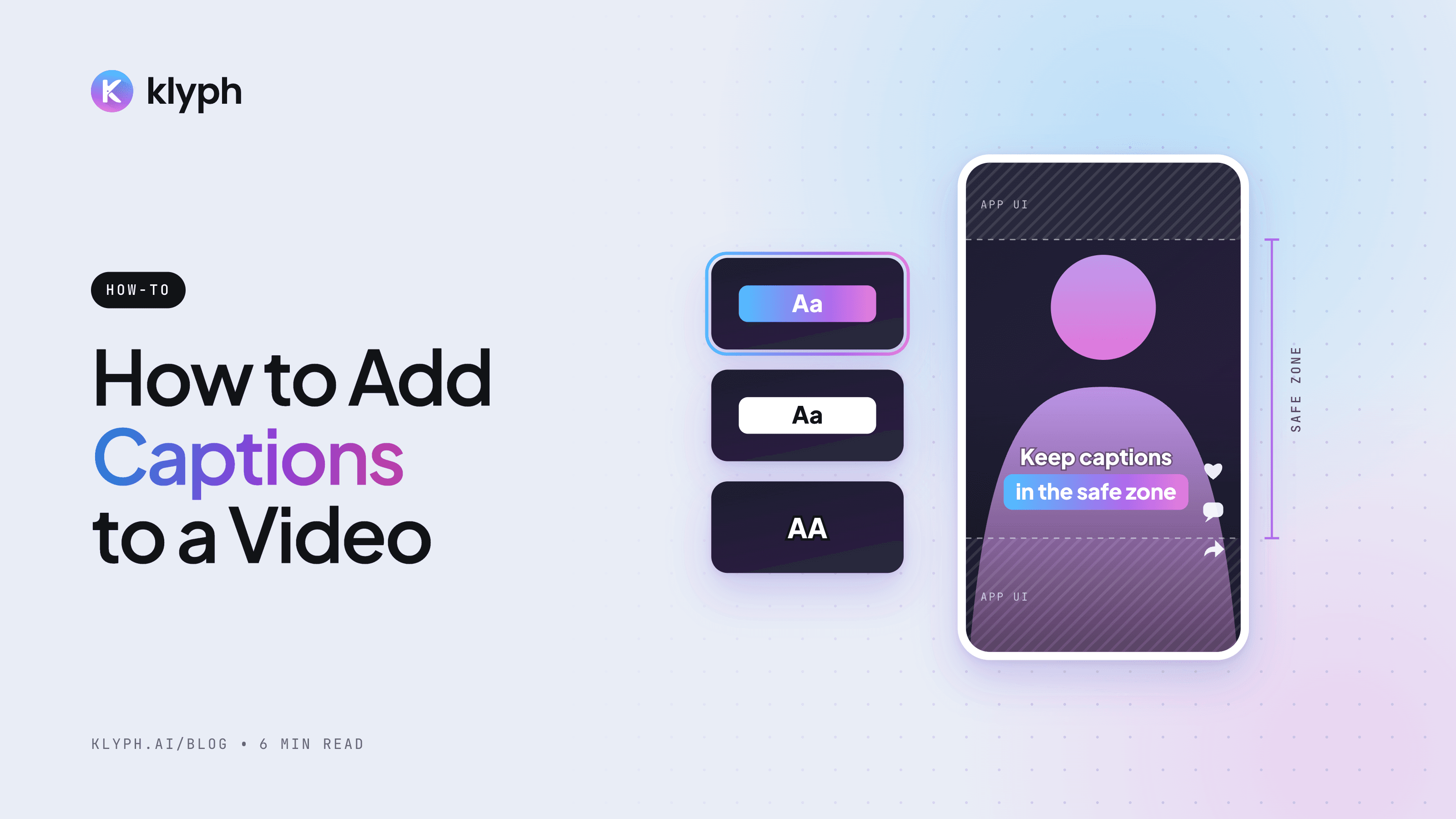
- Caption your commentary. A lot of people scroll with the sound off. Burn in what you said, and fix names and slang by hand. How to add captions to a video walks through the options.
- Watch the music. If the in-game radio plays licensed songs, as it has in past GTA games, YouTube's Content ID can match them. A match can send the revenue to the rights holder or block the clip in some countries. Turn the radio down or off while you record anything you plan to post.
- Export one MP4 per clip. H.264 at 1080×1920 works on all three platforms.
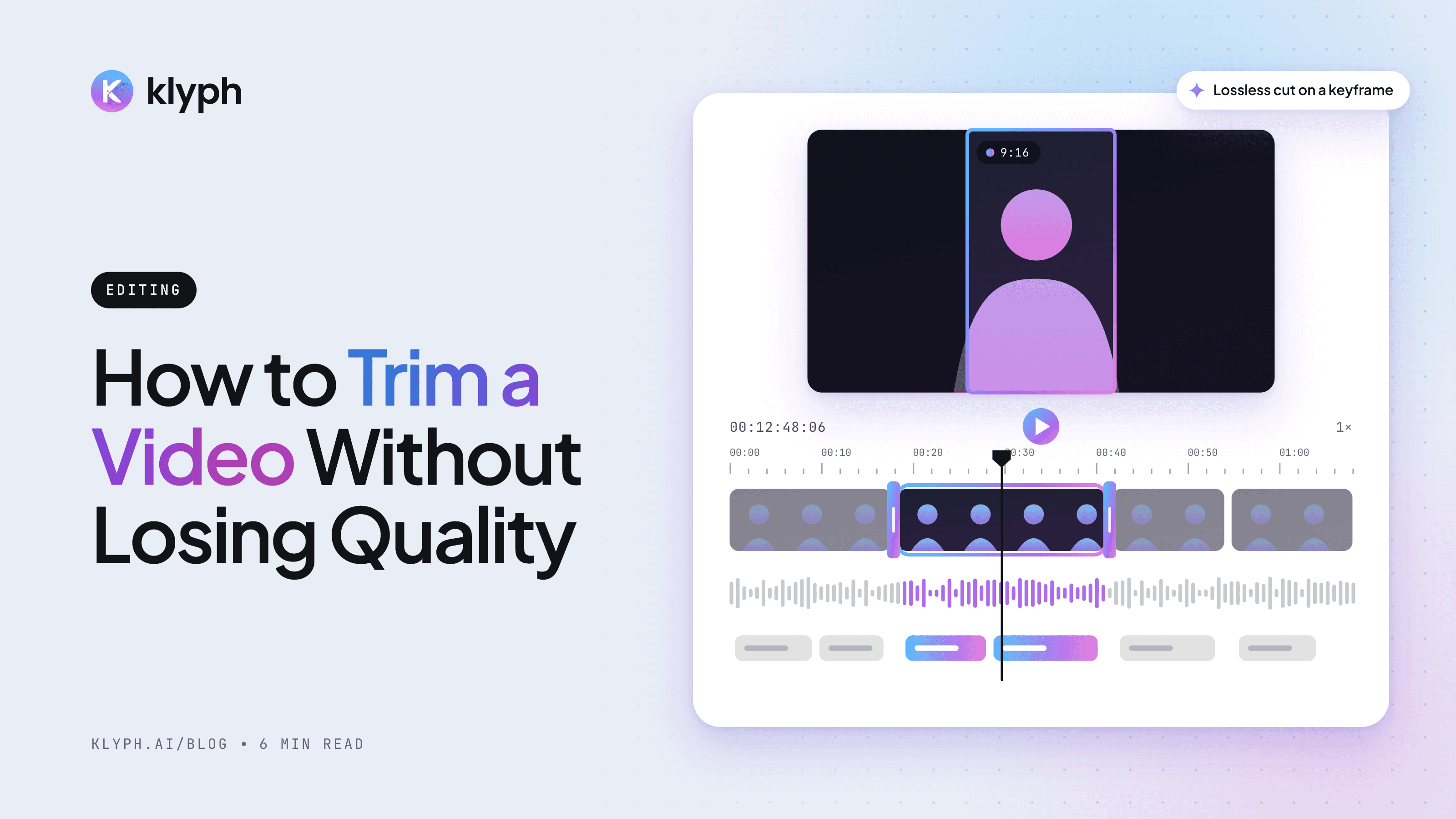
For a single clip you already know you want, a trimmer is faster than a full editor. Our online video trimmer cuts start and end points in the browser.
What are YouTube's rules for violent gameplay clips?
YouTube updated its advertiser-friendly guidelines for graphic game violence in September 2026, ahead of the GTA 6 launch. Dexerto reported on September 4 that graphic violence in the first seven seconds of a video stays ineligible for monetization. Graphic gameplay later in a video can now earn. Videos built mainly to shock, such as compilations of players killing crowds of NPCs, can still be fully demonetized.
Seven seconds is a big share of a Short, so open on something other than the gore and keep it out of the thumbnail. Ordinary gameplay with mild violence is generally fine for advertisers. Check YouTube's advertiser-friendly content guidelines for the full wording.
Can an AI tool clip GTA 6 gameplay for you?
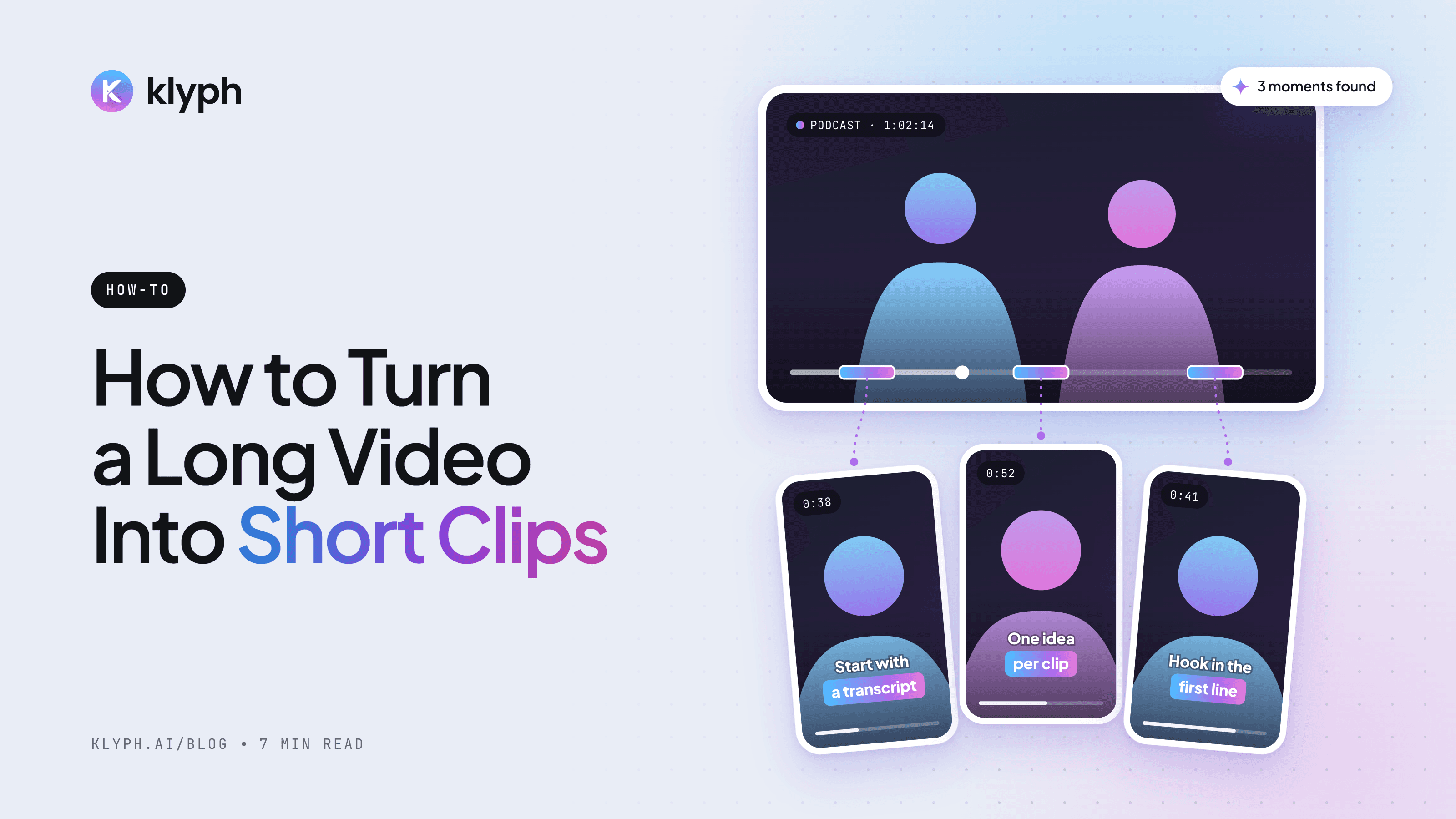
Yes, as long as you talk while you play. AI clipping tools find moments by listening and watching, and your commentary is the strongest signal they have.
Klyph is one option. You upload the session file, whether that's a saved PS5 hour copied off a USB drive or an OBS recording from a capture card. If you streamed to YouTube, you can paste the link instead. Klyph's audio pass measures voice energy and laughter, and its visual pass tracks motion and scene changes, so the moment you shouted at a chase gone wrong ranks near the top. A few settings matter for gameplay:
- Turn off pause trimming. It's on by default and helps talking-head footage, but in gameplay it can cut action you didn't narrate.
- Feed it the long recording. Klyph needs at least two minutes of footage, so a 30-second Xbox save is too short.
- Check the crop on every clip. Reframing follows faces and objects, and with a corner facecam it can lock onto you instead of the game. When that happens, export at 1:1.
Whatever tool you use, review every clip before it goes out. Automated picks still need a person to check for spoilers and context.
If you're loading in tonight, do three things first: set your PS5 buffer to 15 or 30 minutes, keep your mic on, and turn the radio down. The rest can wait for the edit.
Frequently asked questions
Is GTA 6 on PC?
Not at launch. GTA 6 came out on November 19, 2026, for PlayStation 5 and Xbox Series X|S. Rockstar hasn't announced a PC release date, so for now all GTA 6 footage is captured on console.
How far back can a PS5 record gameplay?
Up to one hour. Set it under Settings > Captures and Broadcasts > Captures > Shortcuts for Create Button > Length of Recent Gameplay Clip. The shortest option is 15 seconds.
How do you clip on Xbox Series X|S?
Hold the Share button to save the last stretch of gameplay, 30 seconds by default. You can lengthen the window in Settings > Preferences > Capture & share, but it stays short. For longer captures, choose Start recording from the capture menu or use a capture card.
Can I monetize GTA 6 clips on YouTube?
Read Rockstar's video policy on its support site first, since it sets the terms for fan videos of its games. YouTube's ad rules apply on top: under its September 2026 update, graphic violence in the first seven seconds makes a video ineligible for monetization.
What resolution should I record GTA 6 in for vertical clips?
Use 1440p or 4K if your setup allows it. A 9:16 crop from a 1080p frame is about 608 pixels wide and gets upscaled to fill a 1080×1920 export, so a higher source resolution keeps the vertical clip sharper.
Should I turn off the in-game radio when recording?
For clips you plan to post, yes. Licensed songs on in-game radio can trigger YouTube Content ID matches, which can redirect revenue or block the video in some countries. Turning the radio down keeps your commentary clear too.