
Make podcast clips from full episodes
Klyph turns a full episode into podcast clips for TikTok, Reels, and YouTube Shorts. Paste the episode link or upload the file. Klyph transcribes it with speaker labels, ranks the strongest moments, and crops each one to 9:16 so the frame follows whoever is talking.
Last updated
How do you make podcast clips with Klyph?
Upload the episode, pick the Podcast preset, and review the ranked clips. That's the whole loop, and nothing ships until you export it. Klyph's docs put a 60-minute episode at under four minutes from upload to ranked candidates, so you can review clips the same day you record.
- Step 01
Bring in the episode
Paste a YouTube link or upload the MP4 or MOV from your recording setup. Klyph needs at least two minutes of content, and a full episode gives it the most to rank.
- Step 02
Pick the Podcast preset
It sets two-line lower-third captions and slower pacing. Conversation reads better that way than with rapid word-by-word text.
- Step 03
Review the ranked board
Every clip gets a 0–100 score with sub-scores for hook, coherence, emotion, pacing, and payoff. Trim it, swap the hook, or export the MP4.
What does Klyph handle in a podcast edit?
Klyph handles the slow parts of clipping a podcast: finding quotable moments in an hour of talk, cutting the ums, and keeping two or more people in frame. Those passes run automatically on every upload. You still decide which clips are worth posting and which guest line goes first.
Crop follows the speaker
Klyph labels each speaker in the transcript and switches the 9:16 crop to whoever is talking, timed to voice activity. You don't keyframe anything between host and guest.
Clips that make sense alone
The coherence sub-score flags segments that lean on something said ten minutes earlier. Skip those and post the ones a new listener can follow.
Filler and pause cleanup
Ums, uhs, false starts, and long pauses are trimmed by default. If your show's rhythm depends on the pauses, turn it off per job or keep breaths in.
Loudness leveled to -16 LUFS
A host on a good mic and a guest on a laptop come out at the same volume in the export.
Status: Direct posting to TikTok, Instagram, and YouTube is still in development. For now you export MP4s and upload them yourself. See the roadmap.
Who is this for?
Podcasters who already record video and want clips without hiring a second editor. If you publish an episode a week and promote it with two or three short clips, Klyph gives you a ranked first cut so your time goes into choosing clips instead of scrubbing the timeline.
- Independent hosts who record, edit, and promote the show themselves
- Interview shows that want a clip to send each guest after the episode airs
- Producers clipping several shows a week who need a fast first cut
What does one episode look like in Klyph?
Take a weekly interview show with one guest per episode. Below is the path one recording takes through Klyph, from upload to the clip you send your guest. The file is an example. How many clips you keep depends on how good the conversation was, and no tool can promise that part.
Source: a 60-minute, two-person video interview recorded side by side
- Upload the MP4. Klyph runs transcript, semantic, visual, and audio passes over the full hour.
- Ranked candidates come back in roughly four minutes, per Klyph's processing docs.
- Open the top clip, switch to the second of its three alternate hooks, and trim the last sentence.
- Captions use the Podcast preset with your brand font. Export 9:16 for Shorts and 1:1 for LinkedIn.
- Send the review link to your guest before you post.
Frequently asked questions
How long does it take to get podcast clips from a full episode?
Klyph's docs list analysis at about 0.6× real time for 1080p sources, and a 60-minute episode usually returns ranked clips in under four minutes. Rendering and your own review come after that.
Does Klyph keep the guest in frame?
Yes. Face and object tracking drive the 9:16 crop, and multi-speaker scenes switch between speakers based on who is talking.
Can I get a caption file as well as burned-in captions?
Yes. Klyph exports an SRT or VTT sidecar in up to three languages alongside the burned-in caption.
What languages does Klyph transcribe?
Transcription covers 42 languages. Clip scoring is production quality in English, Spanish, Portuguese, French, German, Hindi, Japanese, and Arabic. Other languages are in preview.
Can Klyph post clips straight to TikTok or YouTube?
Not yet. Publishing through official platform APIs is on the roadmap. Today you export the MP4 from the editor and upload it.
Related use cases
- YouTube
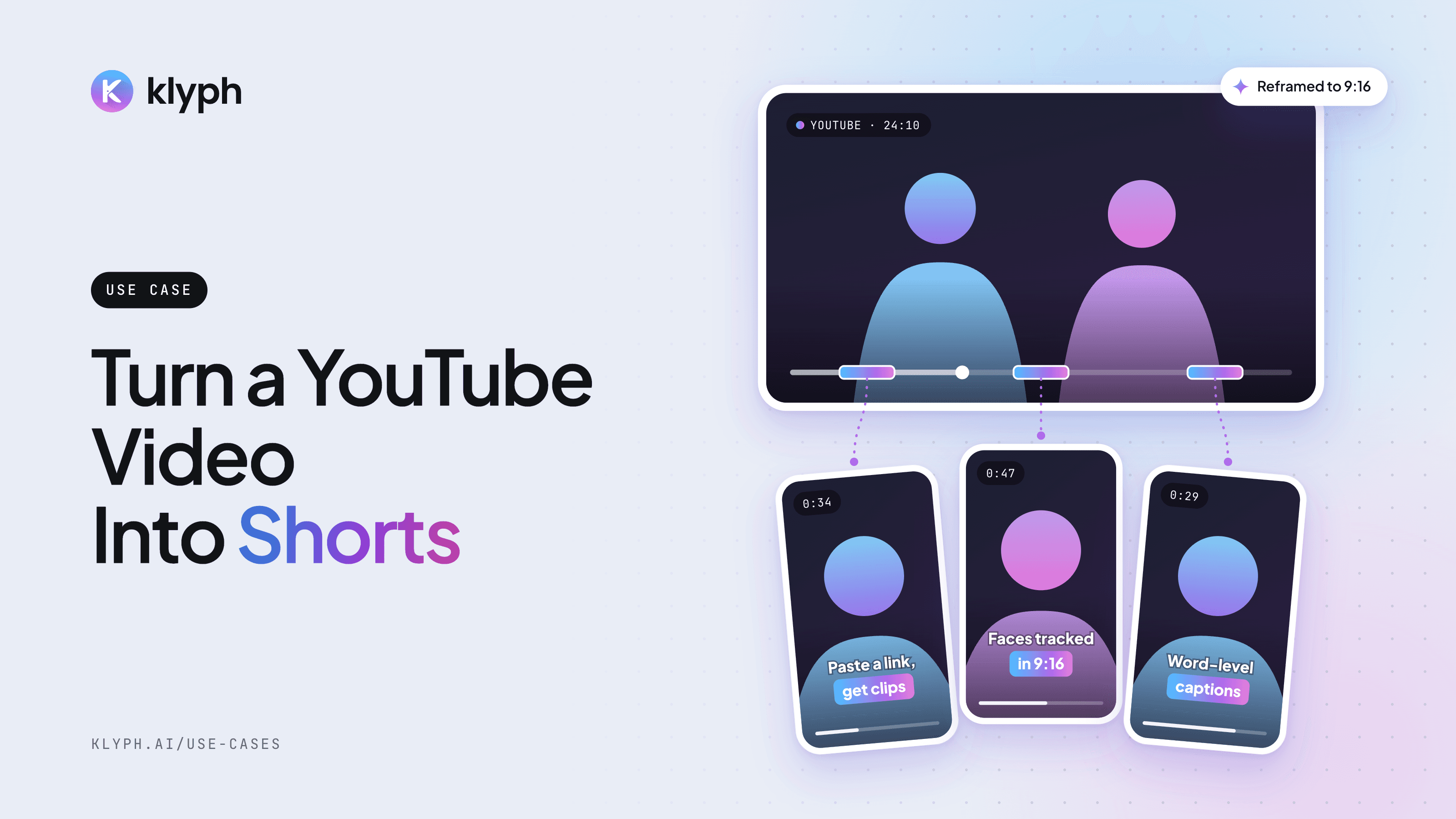
YouTube video to Shorts
Paste a YouTube link and get vertical Shorts with hooks tested, faces tracked, and captions laid out for 9:16.
See how it works - Webinars & streams
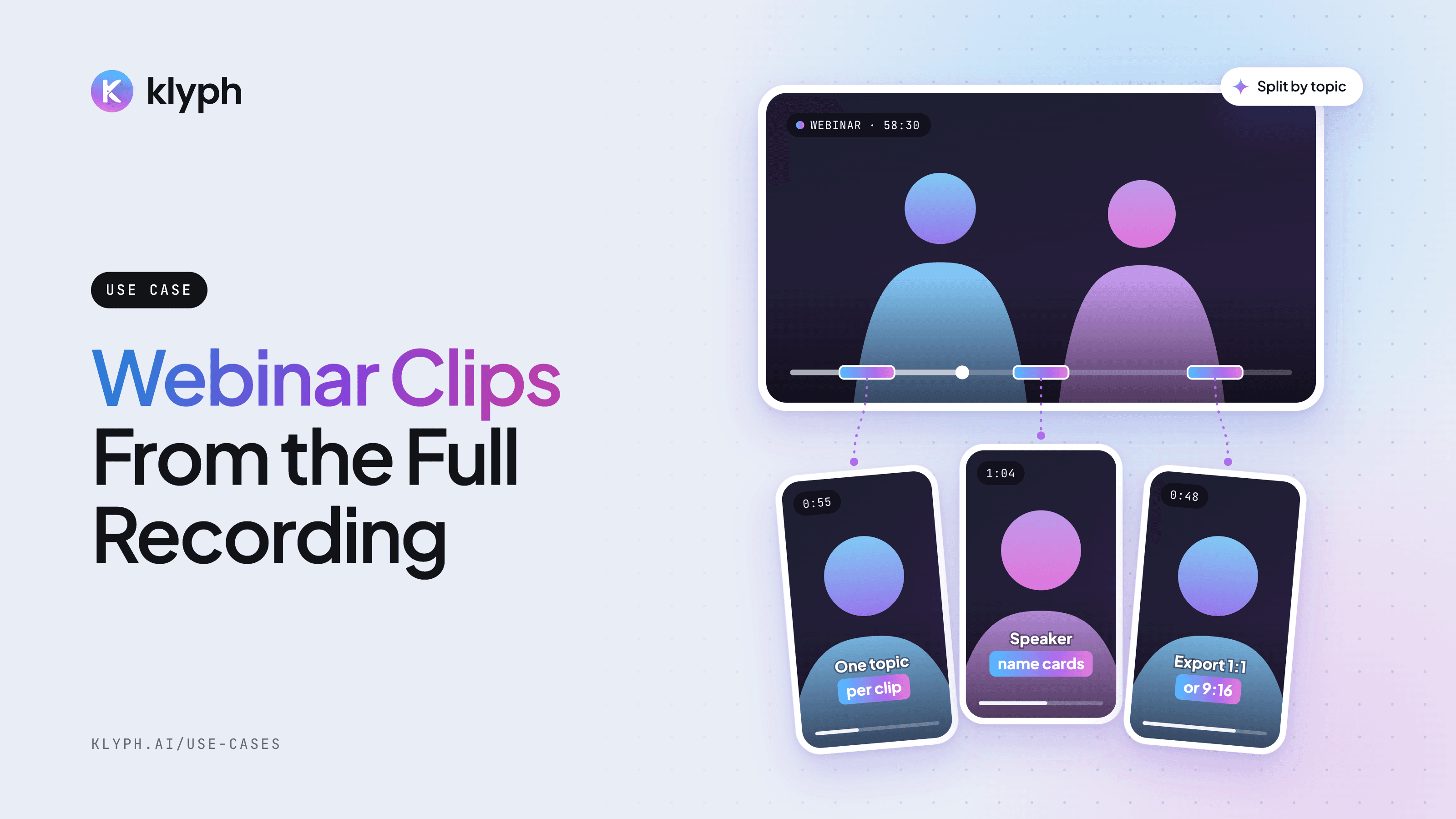
Webinar and livestream clips
Split a long session into topic-sized clips, add speaker name cards, and export 1:1 for LinkedIn or 9:16 for Reels.
See how it works