
Klyph tools
Free video tools
Small, single-job video tools that open in your browser. Your file stays on your device while you use them. When you want Klyph to turn a long recording into short clips, the getting started guide covers the first project.
- Runs in your browser
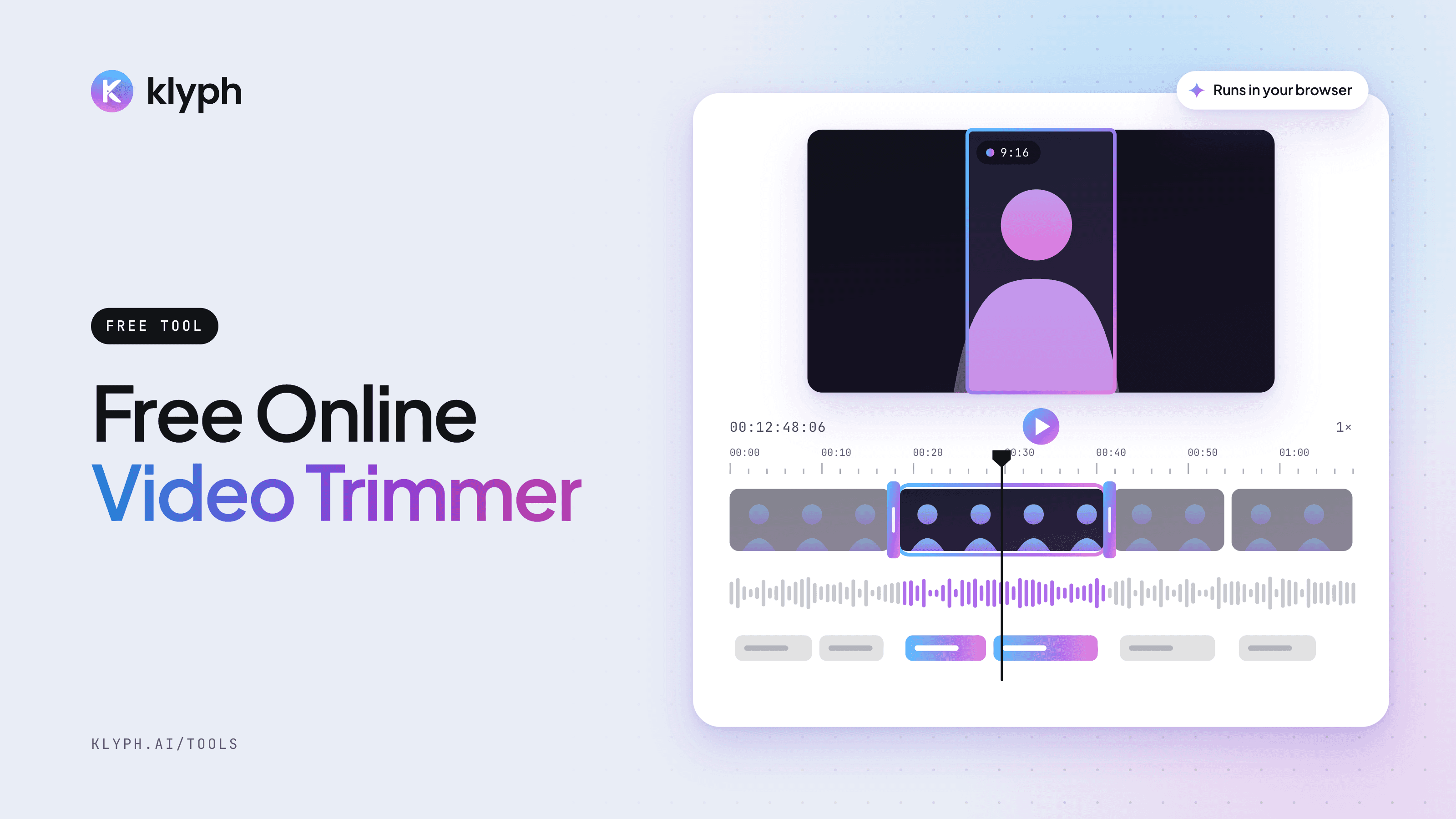
Video Trimmer
Drop in a video, drag the start and end handles, and preview the exact section you want to keep. The file stays on your device.
Open tool - Preview in your browser
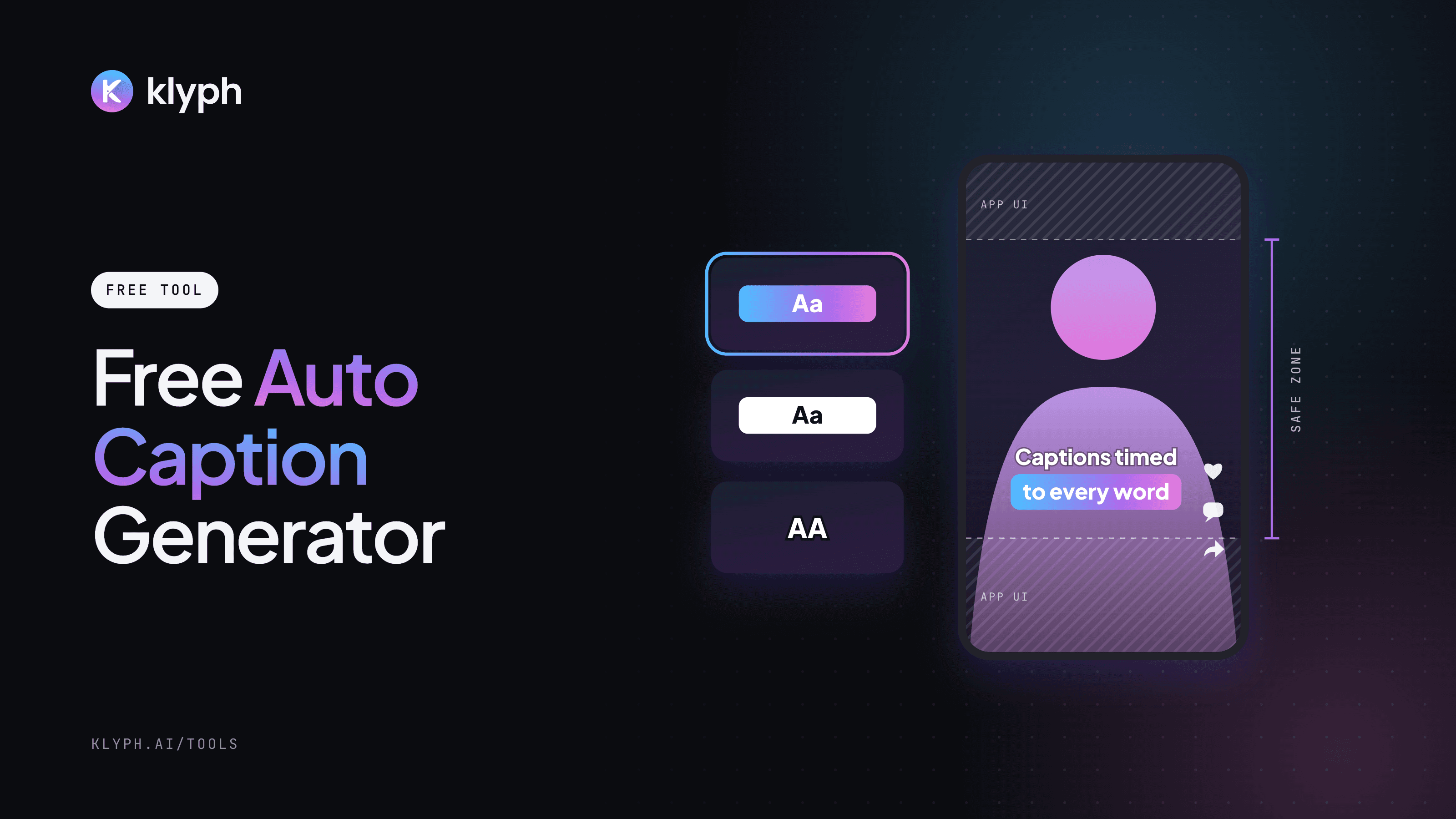
Auto Caption Generator
Preview six caption styles on your own video, pick the spoken language, then let Klyph transcribe it and add captions timed to each word.
Open tool - Works from a link
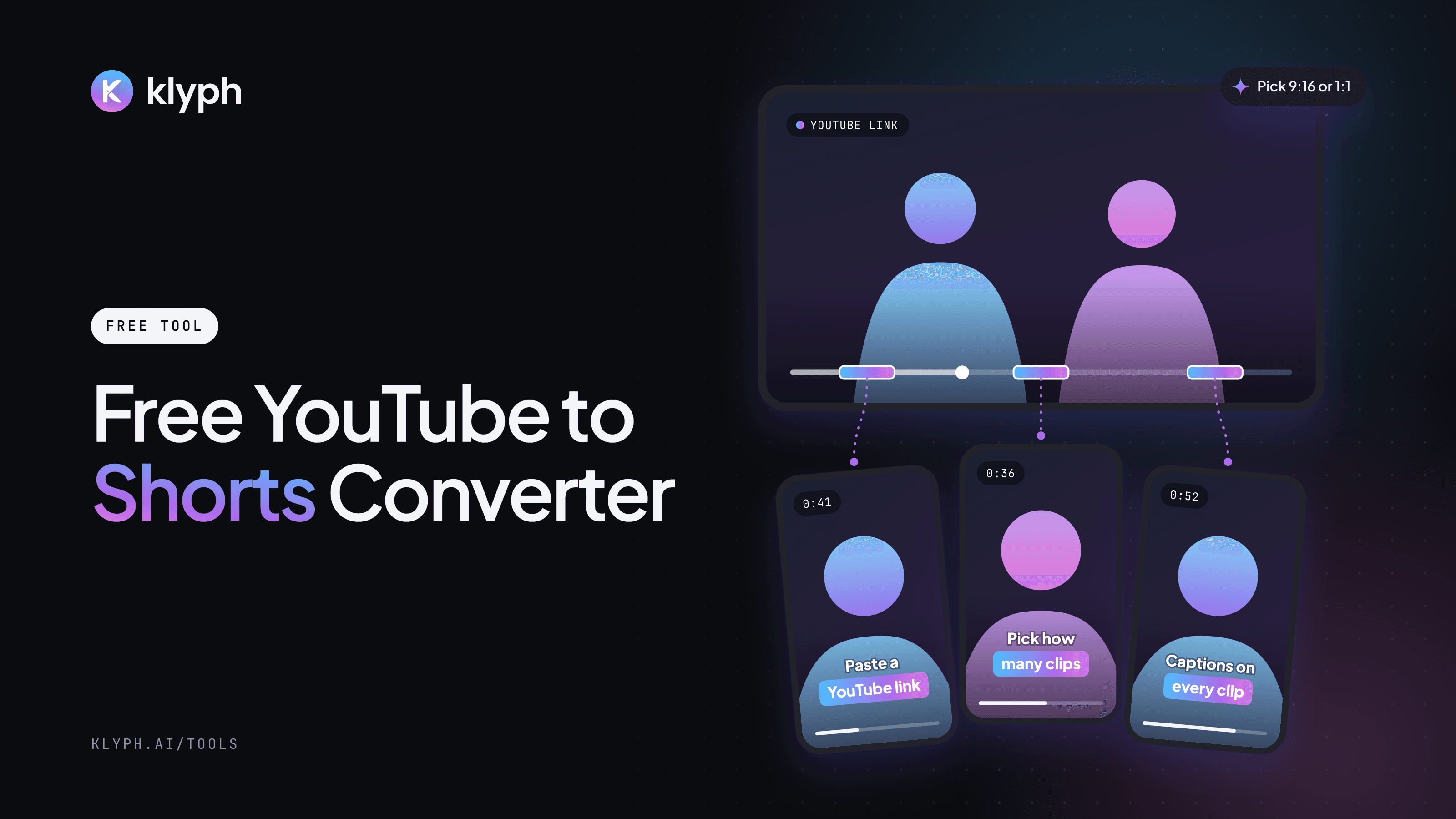
YouTube to Shorts Converter
Paste a YouTube link, choose up to 10 clips and 9:16 or 1:1. Klyph imports the video and cuts it into captioned Shorts.
Open tool
What can you do with Klyph's free tools?
The video trimmer cuts a video down to the part you want. The auto caption generator previews caption styles on your own clip. The YouTube to Shorts converter takes a link and sets up how many vertical clips Klyph should cut from it.
Do you have to upload your video?
Not to use the tools. The trimmer and the caption generator play the file straight from your device. Exporting, captioning, or making Shorts happens in Klyph and needs a free account.
When should you use Klyph instead of a trimmer?
A trimmer cuts one section you already found. If you have a long podcast, webinar, or YouTube video and want several short clips, Klyph finds the strongest moments, crops them to 9:16, and adds word-level captions for you.
Looking for ideas on what to clip? Browse use cases or see pricing.