
Gaming clips from your full gameplay sessions
Klyph turns a long gameplay recording or stream VOD into gaming clips for TikTok, Reels, and YouTube Shorts. Upload the session file or paste a YouTube link. Klyph listens for the spikes in your voice and the laughs, watches for bursts of motion on screen, and ranks the moments worth posting. You skip rewatching three hours of footage.
Last updated
How do you make gaming clips with Klyph?
Upload the recording, turn off pause trimming, and review the ranked clips. Klyph scores every candidate on hook, emotion, pacing, and payoff, using your commentary and the motion on screen. You trim the ones you want, check that the crop sits on the action, and export an MP4 for each platform.
- Step 01
Bring in the session
Upload the MP4, MOV, MKV, or WebM from your console, capture card, or OBS, up to 5 GB per file. If the stream went out on YouTube, paste the link instead.
- Step 02
Keep the quiet stretches
Klyph trims long pauses by default. That suits talking, but in gameplay it can cut action you didn't narrate. Turn pause trimming off for the job or raise the threshold.
- Step 03
Review, check the crop, export
Each clip gets a 0–100 score with sub-scores. Trim it, swap in one of three alternate hooks, make sure the 9:16 frame shows the action, and export.
What does Klyph pick up in gameplay footage?
Klyph runs four passes over every recording. The audio pass measures energy, laughter, and emphasis, so a shout or a laugh flags a moment. The visual pass detects scene changes and samples motion every 250ms. The transcript pass catches what you said about it. Sessions with commentary give Klyph the most to work with.
Your reactions mark the moments
Voice energy and laughter feed the emotion sub-score. The minute you yelled at a car chase going wrong ranks above ten quiet minutes of driving.
Motion on screen counts too
Scene detection and motion intensity help tell a firefight apart from a menu screen or a loading wait.
Openings that start in the action
Klyph tests three alternate hooks per clip and picks the one most likely to hold viewers past the first three seconds. Switch to any of them, or write your own.
Scoring tuned to your channel
On paid plans, a scoring profile can bias any sub-score. If your channel runs on reactions, push emotion and pacing up.
Status: Klyph doesn't have a stacked facecam-over-gameplay layout yet, and Twitch links aren't a supported import source, so download Twitch VODs and upload the file. Clipping streams live is listed as an exploration on the roadmap. Direct posting to TikTok, Instagram, and YouTube is still in development, so for now you export MP4s and upload them yourself. See the roadmap.
Who is this for?
Streamers and gaming YouTubers who record long sessions with commentary and want short clips from each one. If you stream three nights a week and post clips the next morning, Klyph hands you a ranked shortlist. Your time goes into picking clips instead of rewatching the VOD.
- Streamers who talk through their sessions and want daily clips from each VOD
- Gaming YouTubers cutting Shorts from long playthroughs and first-impression videos
- Editors clipping for several gaming creators who need a fast first cut
What does one stream look like in Klyph?
Take a three-hour launch-night stream of a new open-world game, played on console with a webcam in the corner. Here is the path that recording takes from OBS to the clips you post the next day. The session is an example. How many clips you keep depends on what happened and how much you said about it.
Source: a 3-hour 1080p60 console stream recorded in OBS at 6 Mbps, facecam in the corner
- Split the recording into two 90-minute files. At 6 Mbps each one is about 4 GB, under the 5 GB upload limit.
- Upload both files. At one credit per minute of source, the full session uses 180 credits.
- Turn pause trimming off so the quiet driving and shooting stretches stay in.
- Start with the clips that score high on emotion: the heist that fell apart, the physics glitch, the line from chat that made you laugh.
- Check each 9:16 crop. If it frames your facecam instead of the action, export that clip at 1:1.
- Export the MP4s and upload them to TikTok, Reels, and Shorts.
Frequently asked questions
Does Klyph work on gameplay without commentary?
It works, with less to go on. Scoring uses your voice as well as the picture, so silent footage gets ranked mostly on motion and scene changes. Recordings where you talk through the action or react on mic give Klyph the strongest signal.
Can I clip Twitch VODs with Klyph?
Yes, as a file. Twitch links aren't a supported import source today. Download the past broadcast from your Twitch dashboard and upload it as MP4, MOV, MKV, or WebM. If you also publish the stream to YouTube, paste the YouTube link.
What happens to my facecam in a 9:16 crop?
Klyph's reframing tracks faces and objects, so with a small facecam in a corner, check each clip to see whether the crop sits on you or on the game. When it lands wrong, export 1:1, or keep 16:9, which passes through with only tightening applied. A stacked facecam-and-gameplay layout isn't built in yet.
How long can a gameplay recording be?
Uploads go up to 5 GB per file. At a 6 Mbps bitrate one hour of footage is about 2.7 GB, so a single file tops out a little under two hours. Split longer sessions into parts. Each minute of source uses one credit.
Does Klyph need at least a few minutes of footage?
Yes. The analyzer needs at least two minutes of content to find hooks. A 30-second console clip is too short. Give it a saved hour of gameplay or a full stream VOD instead.
Can Klyph post clips straight to TikTok or YouTube?
Not yet. Publishing through official platform APIs is on the roadmap. Today you export the MP4 from the editor and upload it.
Related use cases
- Webinars & streams
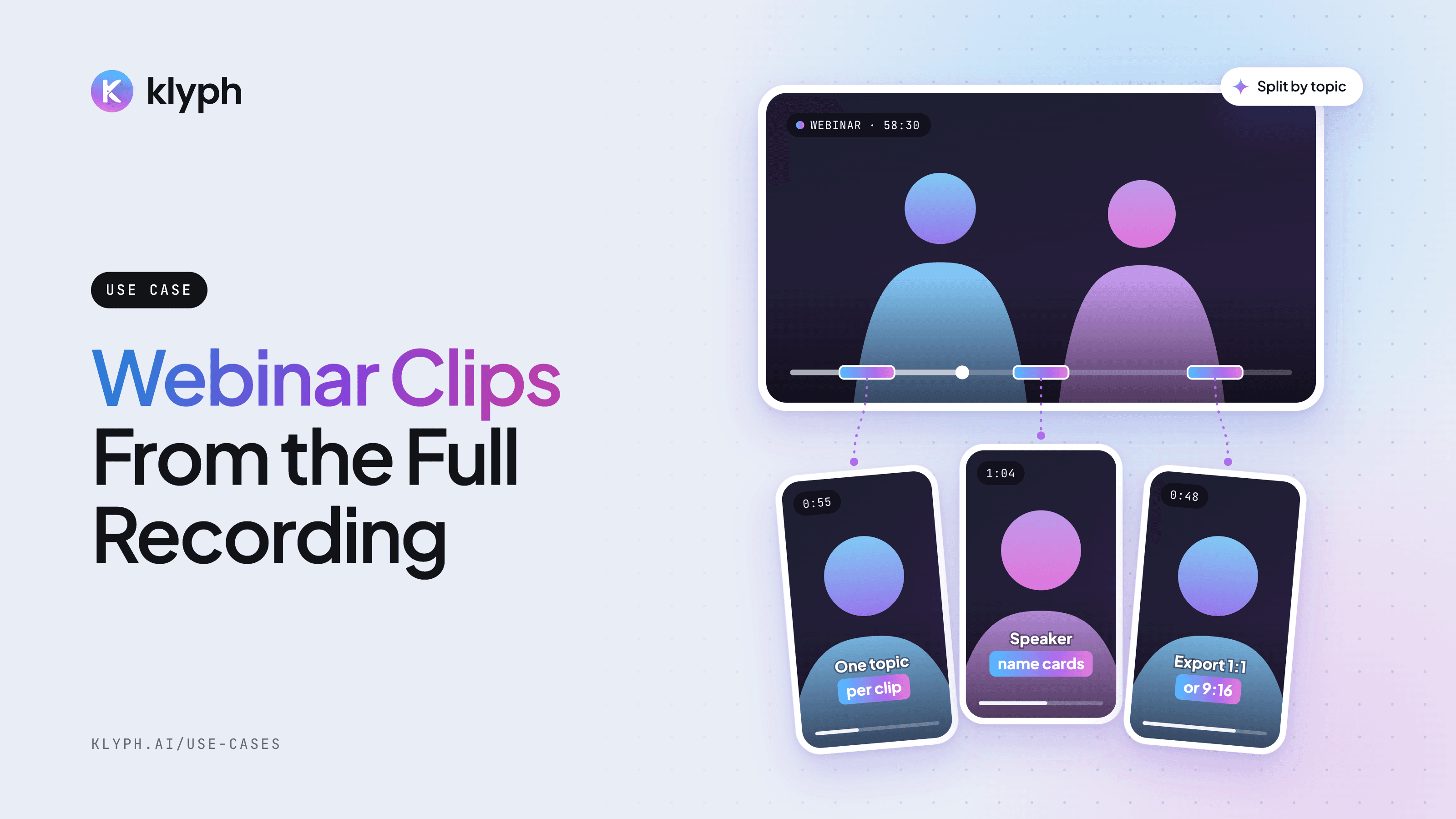
Webinar and livestream clips
Split a long session into topic-sized clips, add speaker name cards, and export 1:1 for LinkedIn or 9:16 for Reels.
See how it works - YouTube
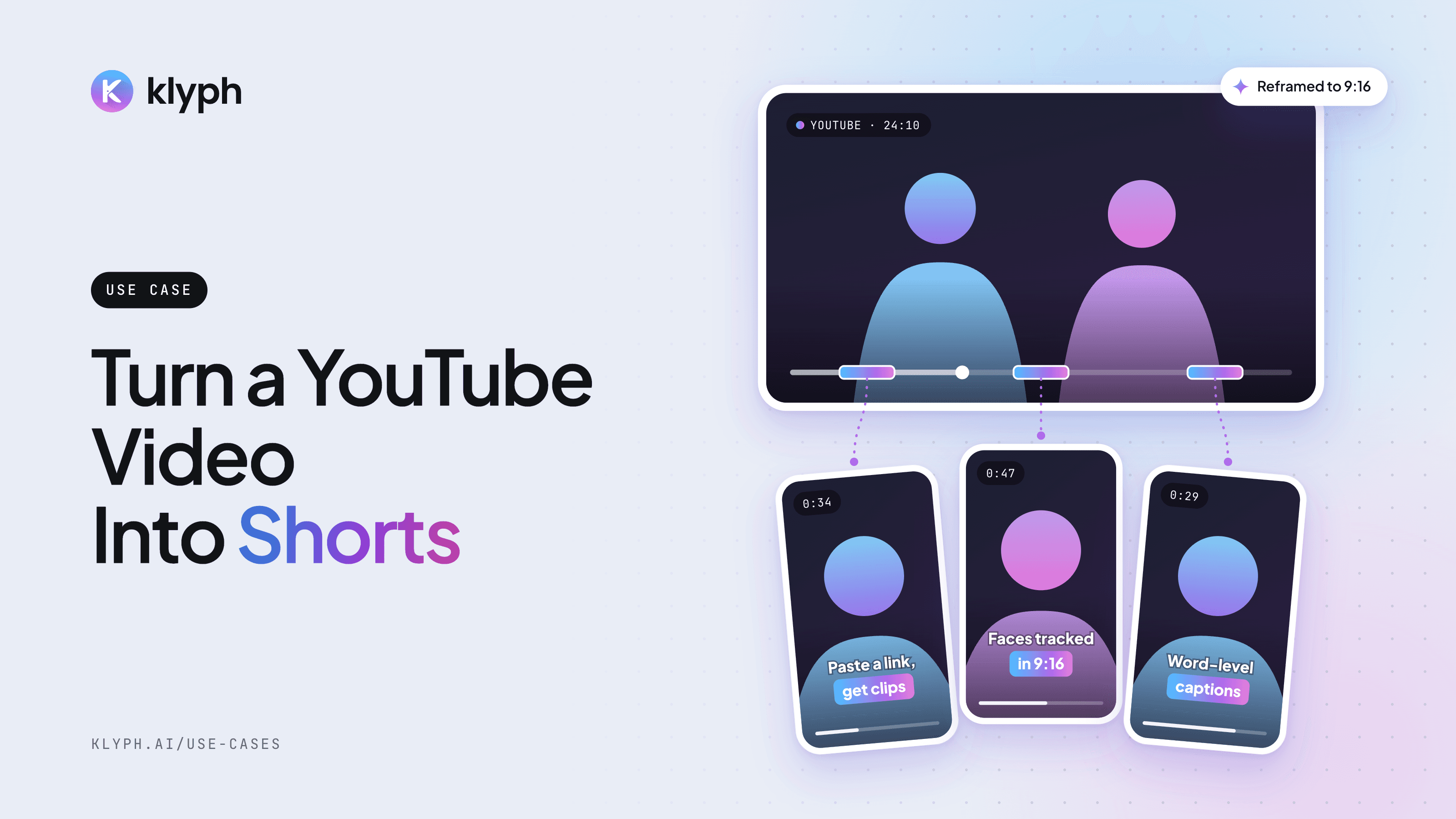
YouTube video to Shorts
Paste a YouTube link and get vertical Shorts with hooks tested, faces tracked, and captions laid out for 9:16.
See how it works