
Short course and coaching video clips from your lessons
Klyph makes course and coaching video clips you can post to promote the full program. Lessons are full of small, complete ideas: one framework, one mistake to avoid, one answer to a student question. Klyph finds the segments that stand on their own and captions them for people watching with the sound off.
Last updated
How do course creators use Klyph?
Use Klyph to market the course rather than replace lessons. Upload a lesson or a recorded coaching call, let Klyph rank the segments that make sense without context, and post them as previews. Each clip gives a viewer one useful idea and a reason to want the rest of the lesson.
- Step 01
Upload a lesson or call
Drop in an MP4, MOV, MKV, or WebM file, or paste a Loom or Google Drive link.
- Step 02
Rank for standalone moments
The coherence score checks whether a clip works without the lesson around it. The payoff score checks whether it lands.
- Step 03
Caption and export
Use Talking Head for centered framing and minimal captions, or Creator Default for bolder word-by-word text.
What does Klyph do for teaching content?
Klyph finds the parts of a lesson that teach something complete in a short clip. The payoff and coherence sub-scores do most of that work. A segment with a clear setup and a clear resolution ranks above one that trails off into the next slide.
Payoff scoring
Klyph checks whether a segment resolves with an answer, a result, or a punchline, so clips end on the point instead of mid-thought.
Emphasis on key terms
Each word is scored on pitch, energy, and duration, and the stressed word gets the emphasis color. The term you lean on in a lesson stands out on screen.
Subtitles in up to three languages
Export SRT or VTT sidecars in up to three languages next to the burned-in caption, which helps when students live in different countries.
Your brand on every clip
Upload your logo, colors, and display font once. Every clip uses them by default.
Who is this for?
Course creators and coaches who already have hours of recorded teaching and need a steady supply of short posts. You recorded the material once. Klyph helps you get previews out of it each week without re-recording anything or cutting lessons by hand.
- Course creators who record lessons once and want regular previews from them
- Coaches with recorded group calls, shared with the participants' permission
- Educators who teach on YouTube and sell a paid program alongside it
What does one lesson look like in Klyph?
One recorded module can feed a week of preview posts. Here is how a single lesson moves through Klyph. The lesson is an example. Don't skip the last step: a second-language SRT is one extra export, and it reaches students who would scroll past an English-only clip.
Source: a 25-minute talking-head lesson with a few screen-share sections
- Upload the lesson file.
- Choose the Talking Head preset for centered framing.
- Open the top-ranked candidates and check each one's payoff sub-score.
- Add a stat callout overlay where you mention a number.
- Export with burned-in English captions plus a Spanish SRT for that part of your audience.
Frequently asked questions
Will clips give away my paid course content?
You choose what gets exported, and nothing is posted for you. Pick clips that teach one idea and point to the rest of the course.
Can I clip recorded coaching calls?
Yes. Klyph labels each speaker and switches the crop to whoever is talking. Get permission from everyone on the call before you post.
How does Klyph handle screen-share sections?
The vertical crop follows faces and objects, so a full-screen slide or code editor can lose detail at 9:16. Export those clips at 1:1 or 16:9 instead.
Does editing a clip change my original lesson?
No. Every edit creates a new render. The source file stays untouched.
Can I add subtitles in other languages?
Yes. Klyph transcribes 42 languages and exports SRT or VTT sidecars in up to three languages per clip.
Related use cases
- Webinars & streams
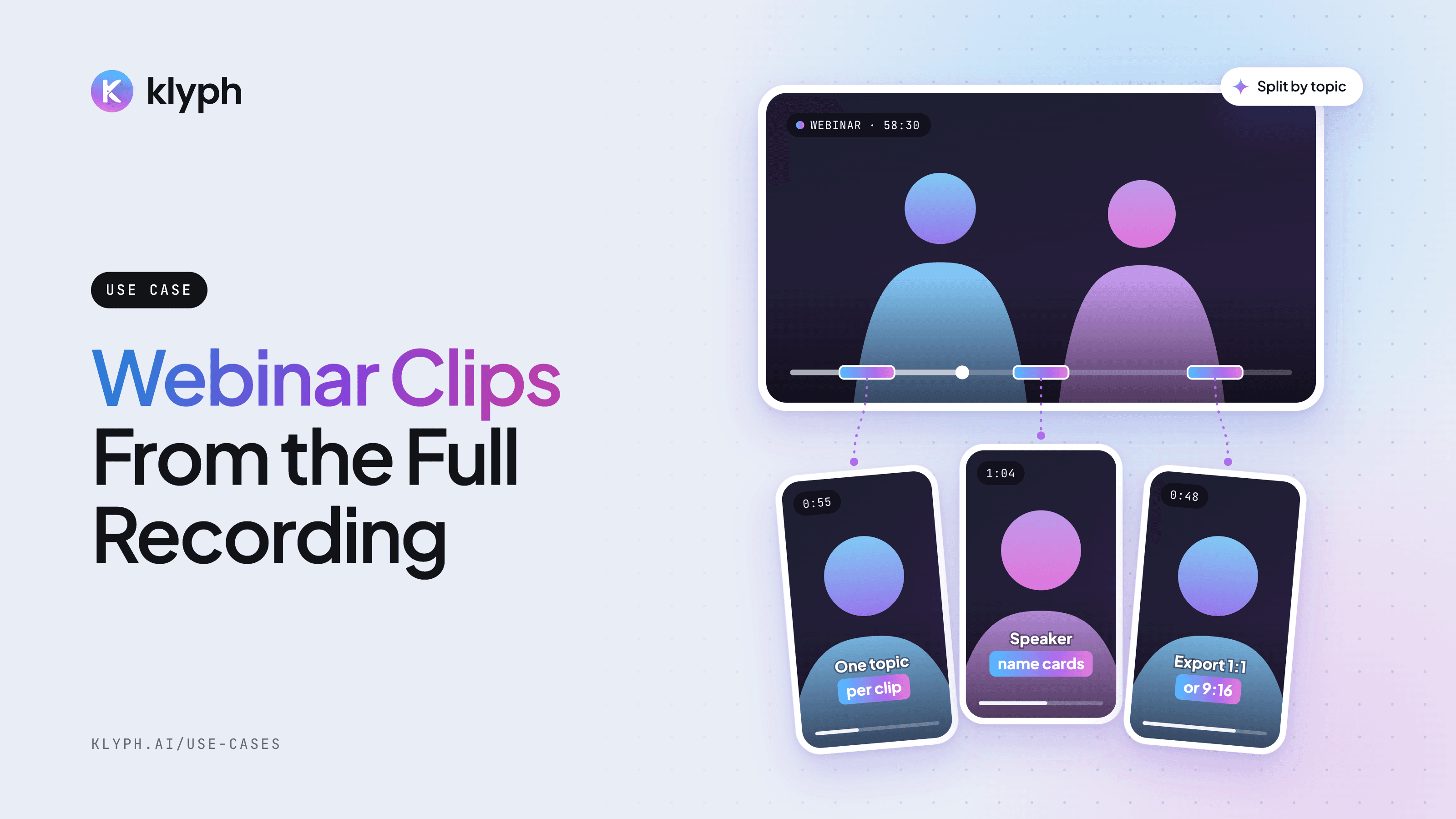
Webinar and livestream clips
Split a long session into topic-sized clips, add speaker name cards, and export 1:1 for LinkedIn or 9:16 for Reels.
See how it works - YouTube
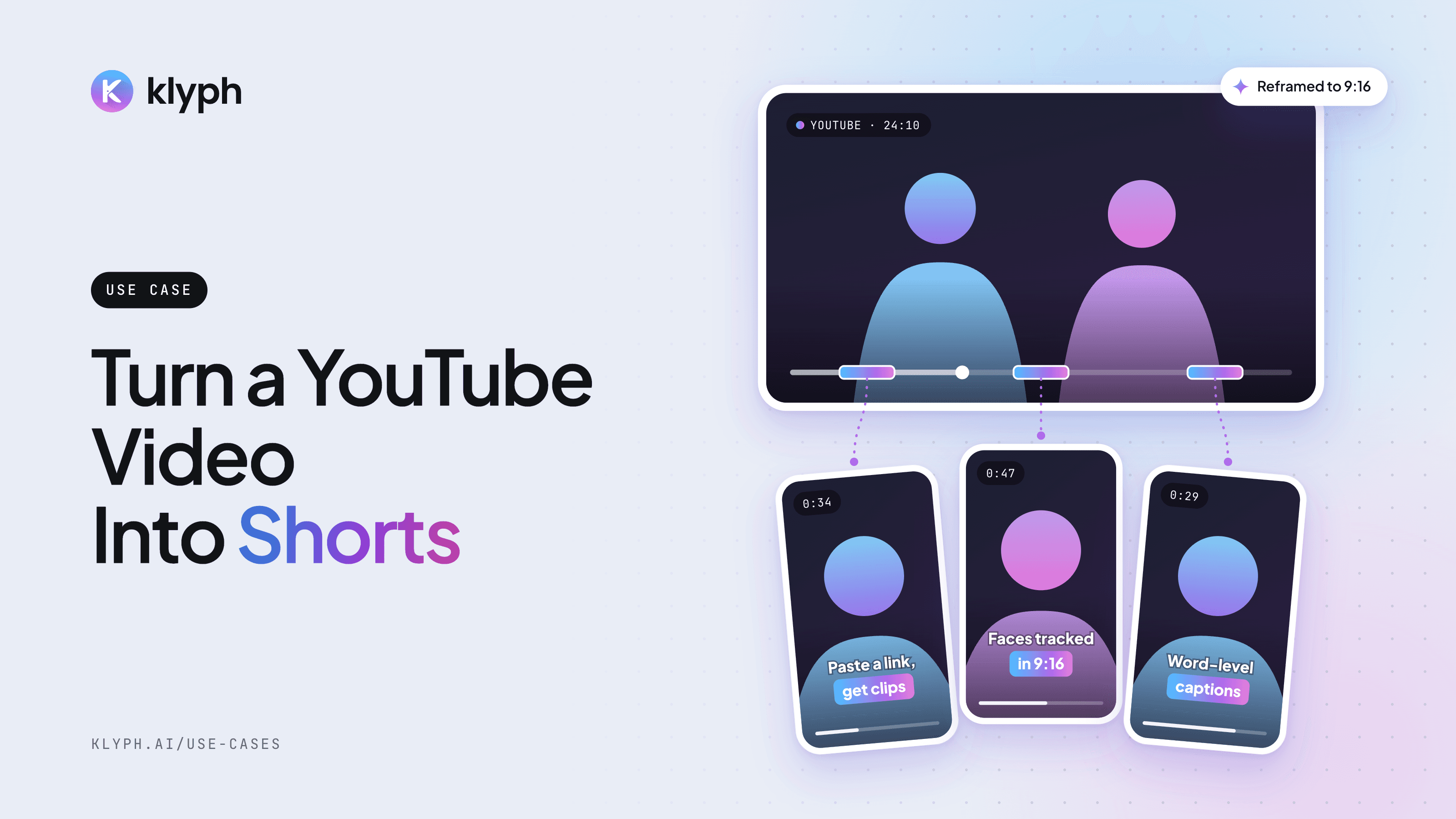
YouTube video to Shorts
Paste a YouTube link and get vertical Shorts with hooks tested, faces tracked, and captions laid out for 9:16.
See how it works