
Free YouTube to Shorts Converter
Turn a YouTube video into Shorts by pasting its link. Choose how many clips you want and the shape, then sign up free. The link carries over, so Klyph imports the video directly and finds the moments worth posting.
- No download: Klyph fetches the video from the link
- Choose 1 to 10 clips, vertical or square
- Faces tracked when the crop goes to 9:16
How it works
How do you turn a YouTube video into Shorts?
Paste the video's link above, pick how many clips you want and 9:16 or 1:1, and press Make my Shorts. After a free sign-up, Klyph imports the same link and transcribes the video. It ranks moments by how strong their opening is and crops each one to the shape you chose.
- 01
Paste the link
Copy the video's address from YouTube and paste it above. A preview loads so you can check it's the right video. Watch links, youtu.be links, and Shorts links all work.
- 02
Pick clips and shape
Choose anywhere from 1 to 10 clips. Use 9:16 for YouTube Shorts, TikTok, and Reels, or 1:1 for LinkedIn and X.
- 03
Sign up and start
Press Make my Shorts and create a free account. Klyph opens with your link and settings filled in. Press start, review the clips, and export each one as an MP4.
What you get
What does a YouTube to Shorts converter do?
It takes a long horizontal video and turns parts of it into short vertical clips. Klyph reads the transcript and scores candidate moments by their first few seconds. It crops each one from 16:9 to 9:16 with face tracking and adds captions laid out for a phone screen.
No download step
Klyph fetches the video from the link, along with its title and thumbnail. You don't need the original file.
Hooks tested for each clip
Klyph tries three alternate openings for every candidate and keeps the one that best predicts retention. The other two stay one click away in the editor.
A crop that follows people
Face and object tracking places the 9:16 crop without jitter. When two people talk, the crop switches to whoever is speaking.
Captions placed for vertical
Line breaks and safe-area padding are worked out for the shape you export, so captions stay readable and clear of the Shorts buttons.
Compare
Should you crop Shorts by hand or use Klyph?
Cropping by hand is fine for one clip you've already found. For a whole video, most of the work is finding the moments, keeping people in frame, and captioning each clip. Klyph does that first pass, and you spend your time choosing between clips. A fixed center crop also cuts people out when they move.
| Manual cropping | Klyph | |
|---|---|---|
| Finding the moments | Scrub the whole video and note timestamps | Ranked candidates, each with a hook score |
| Cropping to 9:16 | Set a crop and keyframe it every time someone moves | Face and object tracking, switching to the speaker |
| Captions | Transcribe, then size and place text for a phone | Word-level captions laid out for 9:16 or 1:1 |
| Filler words and pauses | Cut them one by one on the timeline | Removed by default, and you can turn it off |
| Export | Set up and render each clip separately | An H.264 MP4 per clip, up to 1080p |
In Klyph
What happens after you press Make my Shorts?
You create a free Klyph account, and Klyph opens with your YouTube link, clip count, and aspect ratio already filled in. Nothing runs until you press start, so no credits get spent by accident. Then you review the ranked clips, try a different hook on any of them, and export.
- Credits
Processing uses credits, counted per minute of source video. New workspaces start with free trial credits.
- Rights to the video
Only import videos you own or have permission to repost.
- Rewrite a hook with a prompt
Type what you want a clip to open on, and Klyph rebuilds the first three seconds around it.
- Other sources
Klyph also takes Vimeo, Loom, Zoom, and Google Drive links, or MP4, MOV, MKV, and WebM files up to 5 GB.
FAQ
YouTube to Shorts questions
Is the YouTube to Shorts converter free?
Pasting a link and choosing settings is free and needs no account. The clips are made in Klyph after a free sign-up. Processing uses credits, and new workspaces start with free trial credits. Exports on the free trial carry a Klyph watermark, which the Pro plan removes.
Do I need to download the YouTube video first?
No. Klyph imports the video from the link you pasted, so there's no download step. If you have the original file, you can upload an MP4, MOV, MKV, or WebM in Klyph instead.
Can I convert any YouTube video?
Use it on your own uploads, or on videos where the creator has given you permission. Reposting someone else's video as your own Short can get a copyright claim on your channel.
How many Shorts will I get?
You choose a number from 1 to 10 here, and Klyph uses it as the maximum number of clips. You can change it again in Klyph before you press start.
Should I pick 9:16 or 1:1?
Pick 9:16 for YouTube Shorts, TikTok, and Instagram Reels. Pick 1:1 for LinkedIn and X feeds. Klyph lays the captions out again for each shape, so a square clip isn't a squashed vertical one.
How long can each Short be?
Klyph has a max clip length setting that acts as a soft cap on clip duration, so set it to the length you want. YouTube currently accepts Shorts up to three minutes long.
Last updated
More free tools
What else can you do for free?
Klyph has 3 free video tools: video trimmer, auto caption generator and YouTube to shorts converter. You can set up each job without an account, and you finish it in Klyph after a free sign-up. Your settings carry over, so you don't pick them twice.
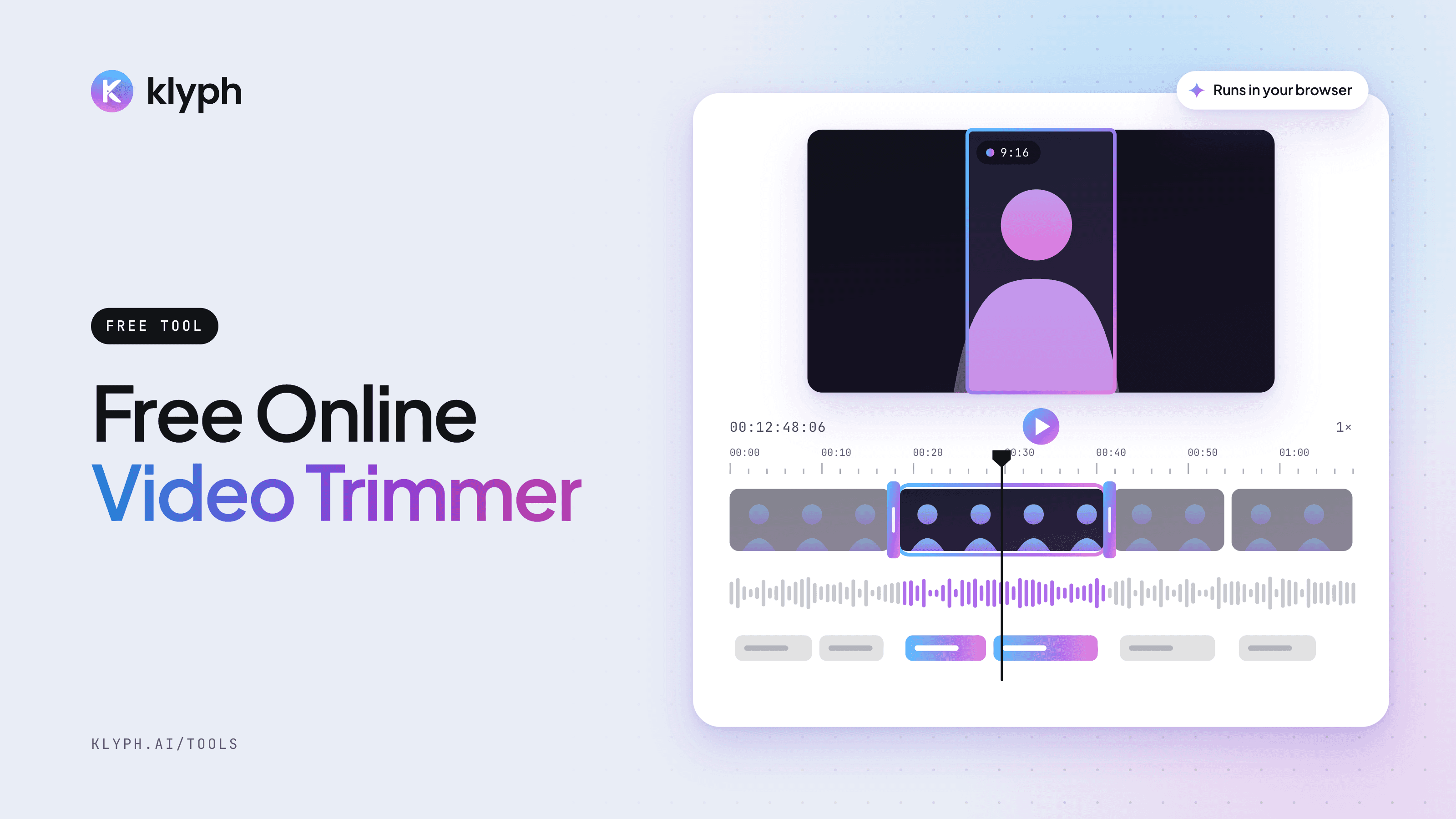
Video Trimmer
Drop in a video, drag the start and end handles, and preview the exact section you want to keep. The file stays on your device.
Open tool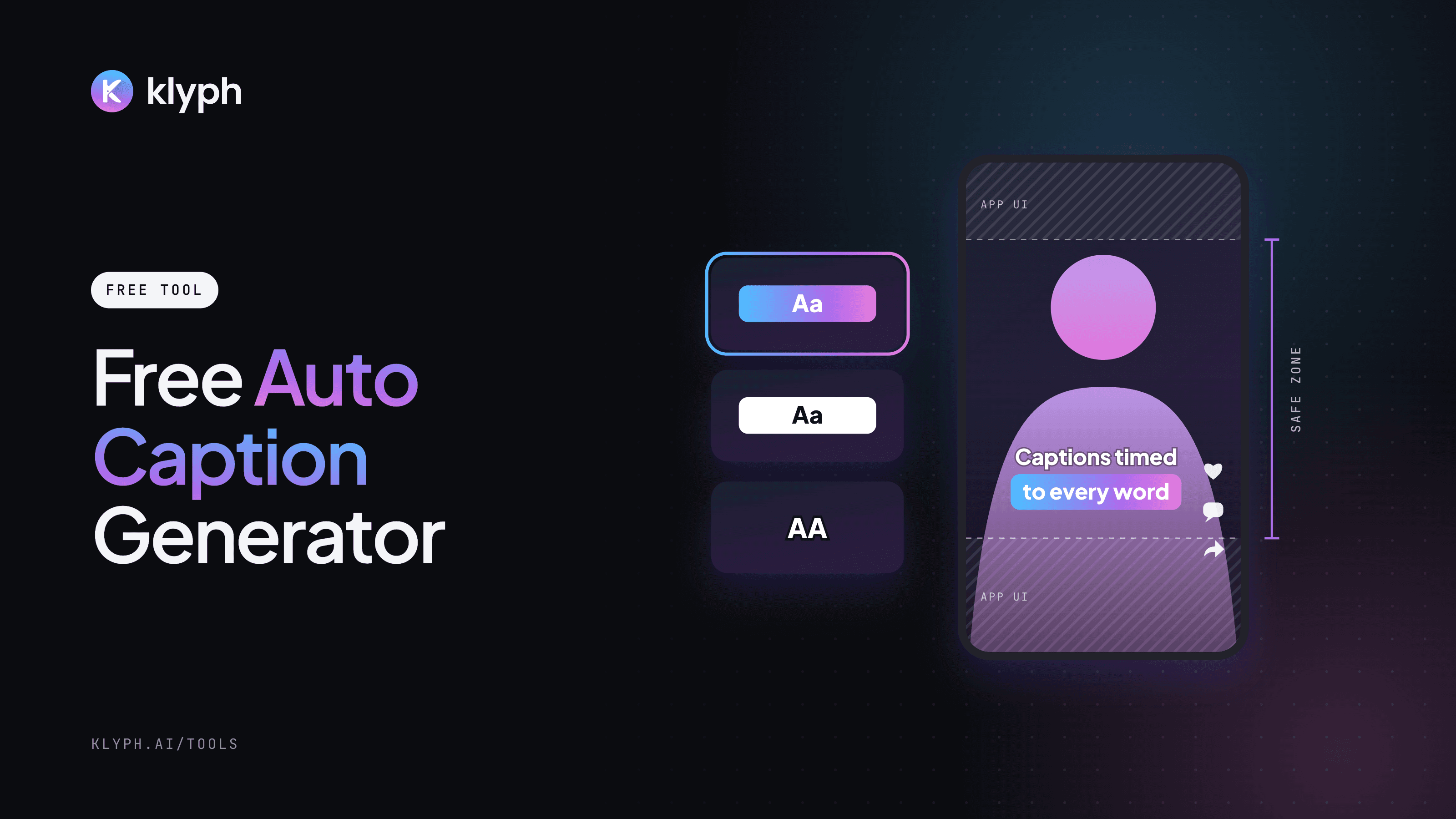
Auto Caption Generator
Preview six caption styles on your own video, pick the spoken language, then let Klyph transcribe it and add captions timed to each word.
Open tool
Related reading
- How to turn a long video into short clips
Finding moments, cutting to one idea, and reframing to 9:16 by hand or with AI.
- YouTube video to Shorts
A worked example: one published tutorial turned into three Shorts.
- Clip generation docs
How reframing, filler removal, hook scoring, and aspect ratios work.
Paste a link, get Shorts
Setting up the clips here is free and needs no account. Sign up when you're ready for Klyph to import the video and cut it.