
YouTube video to Shorts: paste a link, get vertical clips
Going from a YouTube video to Shorts takes one pasted link in Klyph. It pulls the video, finds moments with a strong first three seconds, crops them from 16:9 to 9:16, and lays out captions for the Shorts player. You start with a ranked set of clips instead of an empty timeline.
Last updated
How do you turn a YouTube video into Shorts?
Paste the video URL into Klyph, choose a preset, and pick from the ranked clips. Klyph fetches the video with its title and thumbnail, transcribes it with word-level timestamps, and scores every candidate. You trim or swap hooks in the editor, then export a 9:16 MP4 to upload as a Short.
- Step 01
Paste the YouTube link
There's no download step. Klyph fetches the video along with its metadata and thumbnail.
- Step 02
Choose Creator Default
This preset uses punchy word-by-word captions and dense hooks at 9:16. Switch to Talking Head if you want centered framing and lighter captions.
- Step 03
Pick, tweak, export
Open the top clips, try one of the three alternate hooks, and export an H.264 MP4 at up to 1080p.
Why not crop the video yourself?
A center crop cuts people out of frame, and captions sized for 16:9 are too small to read on a phone. Klyph tracks faces and objects for the crop and re-lays the captions for a vertical frame. The result plays like it was filmed for Shorts in the first place.
Hook-first clips
Klyph tests every candidate against three alternate openings and keeps the one that best predicts retention. The other two stay one click away in the editor.
Rewrite the opening with a prompt
Type what you want the clip to open on. Klyph re-scores candidates against your phrasing and rebuilds the first three seconds.
Captions placed for vertical
Line breaks and safe-area padding are computed for 9:16, and safe-zone guides show where the Shorts buttons sit, so text stays readable.
Jump cuts done for you
Filler words and long silences are removed by default. A relaxed talking-head video tightens to Shorts pacing without manual cuts.
Who is this for?
YouTubers who publish long videos and want Shorts that send viewers back to them. It also suits anyone sitting on a back catalog: older uploads still hold good moments, and pasting a link is faster than re-opening an old project file and editing a vertical version by hand.
- YouTubers who post long videos weekly and want Shorts from each one
- Creators repurposing a back catalog of older uploads
- Channel managers who need a first cut before handing off to an editor
What does a tutorial look like as Shorts?
Tutorials clip well because each section answers one question. The steps below follow a single published tutorial into three Shorts. The video is an example, and three is your choice, not a number Klyph sets. A dense tutorial might give you six worth posting.
Source: a 20-minute face-cam tutorial already published on YouTube
- Paste the video URL. Klyph fetches it with the title and thumbnail.
- The board shows ranked candidates, each with a hook score for its first three seconds.
- Pick three clips that each answer one question from the tutorial.
- For one clip, prompt “open on the error message” and Klyph rebuilds the opening around it.
- Export three 9:16 MP4s and upload them as Shorts linked to the full video.
Frequently asked questions
Do I need to download the YouTube video first?
No. Paste the link and Klyph fetches the video. You can also upload an MP4, MOV, MKV, or WebM file if you have the original.
How long can a Short made in Klyph be?
Klyph has a max clip length setting that acts as a soft cap on output duration. Set it to the length you want. YouTube currently accepts Shorts up to three minutes.
Will the vertical crop cut people out?
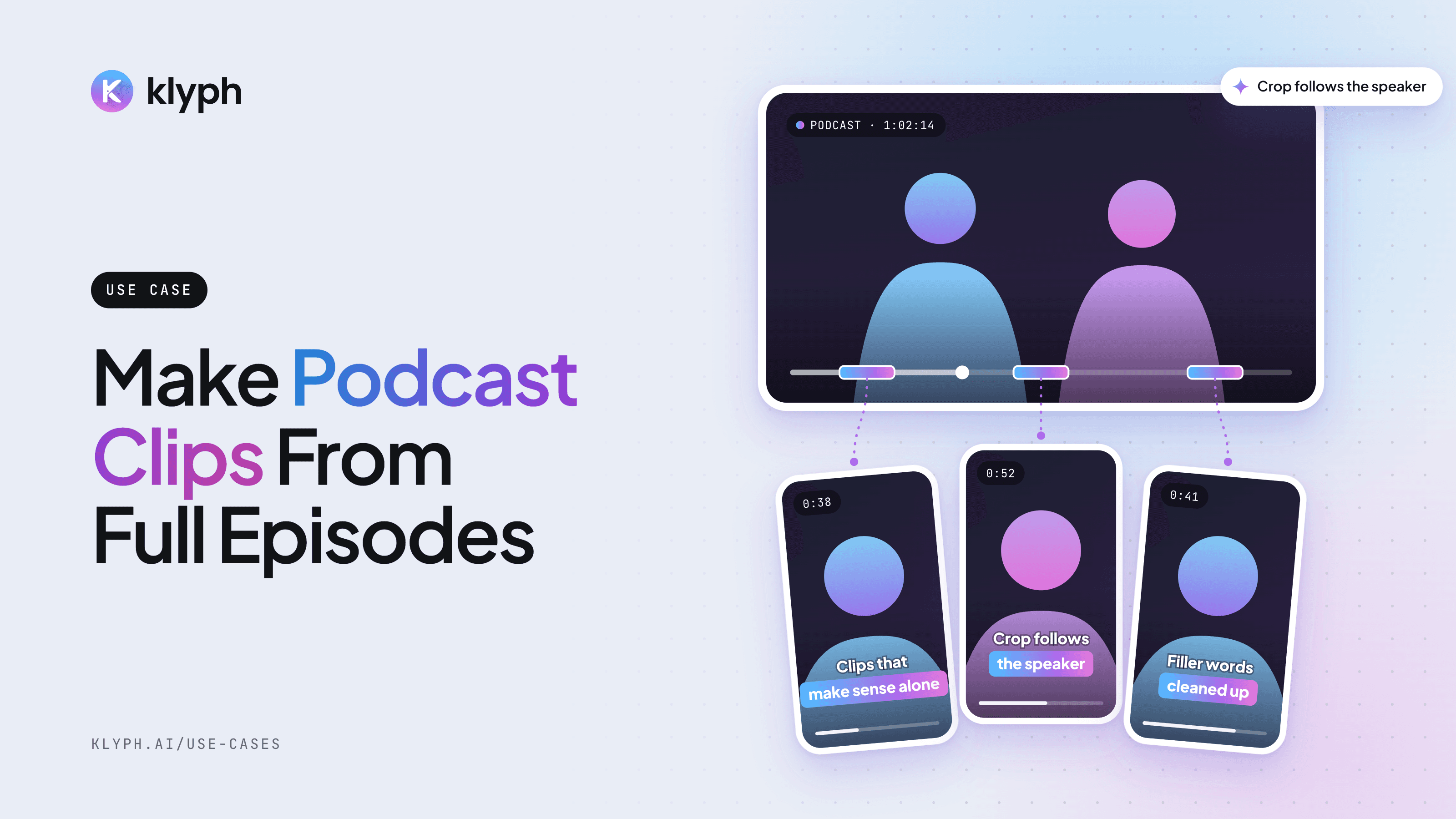
Klyph uses face and object tracking to place the 9:16 crop without jitter. When two people talk, the crop switches to whoever is speaking.
Can I use the same clip on TikTok and Reels?
Yes. A 9:16 MP4 works on all three. If you also post to LinkedIn or X, export a 1:1 version, and Klyph re-lays the captions for that shape.
Can I try it for free?
Yes. The free trial includes 60 minutes of transcription credits, and exports carry a watermark. Pro starts at $19 per editor per month billed yearly and removes it.
Related use cases
- Podcasts
Podcast clips
Pull speaker-aware vertical clips out of a full episode, with the crop following whoever is talking.
See how it works - Courses & coaching
Course and coaching clips
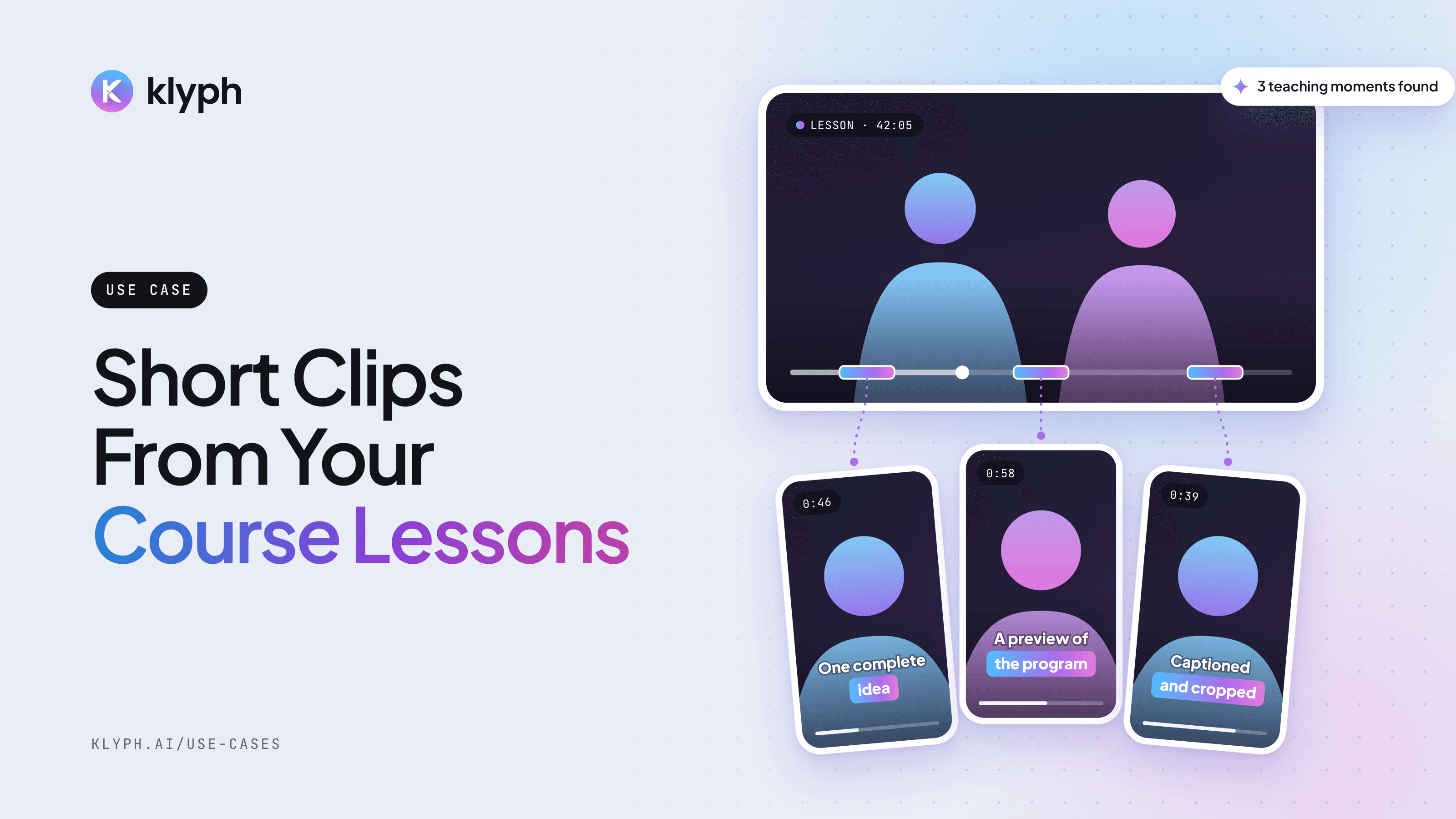
Find the parts of a lesson that teach one complete idea and post them as previews for the full program.
See how it works