
Turn long videos  1h24 intoviral
 0:19 shorts
Klyph finds the hooks, cuts the clips, and captions them for Reels, TikTok, and Shorts. Every long video you don't clip is reach you're giving away.
From hour‑long to viral clips
How it works
- 01
Paste a YouTube link
We fetch the audio/video for analysis.
- 02
Detect hooks & cut
AI finds compelling moments and creates short candidates.
- 03
Add viral captions
Choose a style, emojis, and animate lines.
- 04
Auto reframe
Smart 9:16 cropping keeps faces in frame.
- 05
Export & share
MP4 + SRT/VTT. Send review link for comments.


One upload.
A week of shorts.
Drop in the podcast you already recorded. Klyph cuts it into clips that keep your TikTok, Reels, and Shorts queues full while you work on the next episode.

Your clip pipeline, automated
Paste a link, detect hooks, style captions, reframe to 9:16, and export in minutes.
Import video
Paste a YouTube link or upload MP4/MOV. We fetch media instantly.
Detect hooks
AI finds high‑retention moments and drafts candidate shorts.
Style captions
Pick a preset, add emojis, animate lines. Auto 9:16 reframing keeps faces centered.
Auto reframe + face track
AI Shorts Generator
AI video clip generator for YouTube podcasts and long videos
Paste a YouTube link. Klyph finds the strongest moments, cuts them into vertical clips, and adds word-timed captions. Most videos are ready to export in a few minutes.
- Import by URL or upload MP4/MOV up to 2 GB
- AI finds hooks and creates short candidates
- Bold captions with emojis, word‑level timing
- 9:16 reframing, safe‑zones, burn‑in subtitles
Why creators pick klyph.ai
Auto‑clip highlights
Find hooks and cut long videos into punchy shorts.
Viral captions
Bold, animated captions with emojis and brand styles.
1‑tap formats
Resize to 9:16, 1:1, or 16:9 with safe‑area framing.
Platform ready
Export H.264 MP4, burn‑in captions, SRT/VTT for any platform.
What you can do today
Turn hours of footage into scroll‑stoppers
Import
- Fetches metadata & thumbnails
- Word‑level timestamps in minutes
- Autosave & resumable uploads
Edit
- Auto cut or fine trim
- Remove ums & long silences
- Smart 9:16 reframing
Caption
- Word or line animation
- Brand fonts & colors
- SRT/VTT exports or burn‑in
Export
- H.264 MP4 up to 1080p
- Safe‑zone guides
- Share review link
Caption presets
Styles that make you stand out
Choose from high‑contrast, emoji‑rich, or brand‑aligned templates. Animate by word or by line.
Who it is for
- • Podcasters and YouTubers who want quick rough cuts and captions.
- • Course creators and coaches who ship lessons fast.
- • Marketers who turn webinars and clips into social posts.
- • Teams that need review links without sending big files.
Specs that matter
Word aligned
Precise cuts synced to transcript
FFmpeg engine
Reliable H.264 exports
S3 + CDN
Fast storage and delivery
Postgres
Projects, presets, comments
-16 LUFS
Loudness leveling + cleanup
Observability
Errors tracked, alerts on fail
Privacy and consent
Private by default
Projects are visible only to you unless you share a review link.
One‑click delete
Remove files and transcripts from storage instantly.
Explicit consent
If voice features are added, we’ll ask before enabling.
Free tools
Try Klyph on your own video, free
Trim a clip, preview caption styles, or turn a YouTube link into Shorts. Each tool runs in your browser with no account, and a free sign-up finishes the job in Klyph with your settings kept.
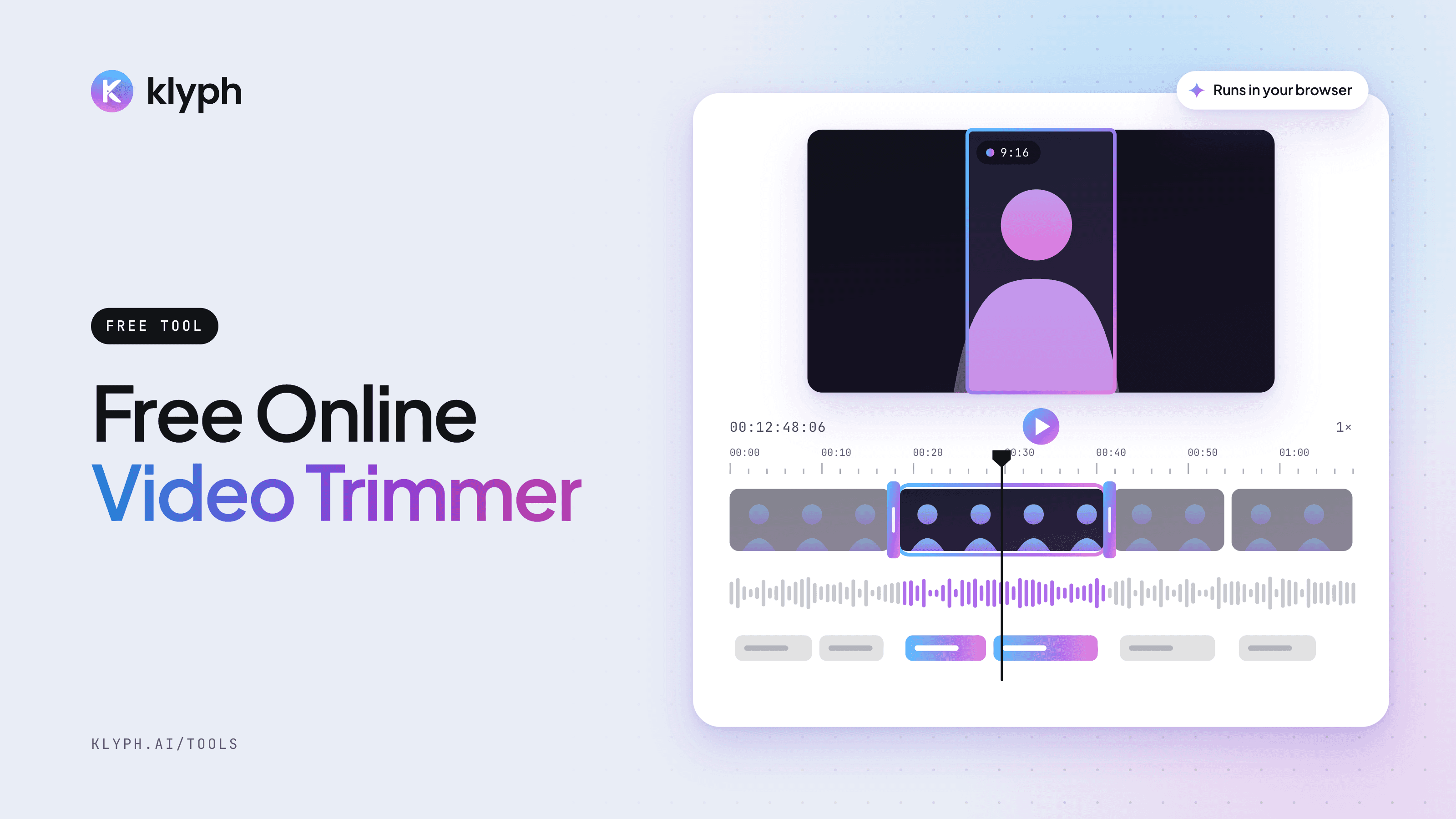 Runs in your browser
Free Video Trimmer
Drop in a video, drag the start and end handles, and preview the exact section you want to keep. The file stays on your device.
Open tool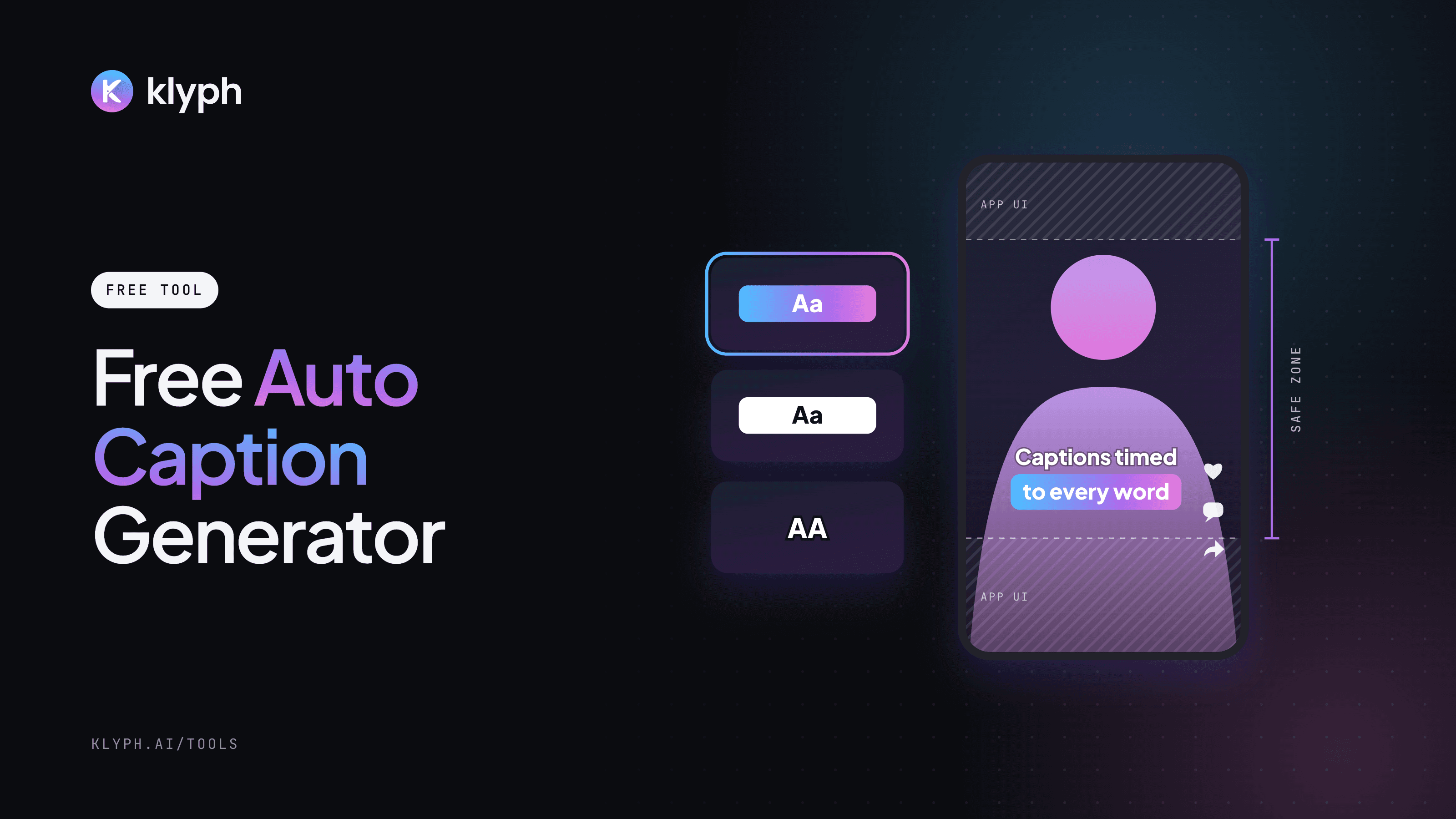 Preview in your browser
Free Auto Caption Generator
Preview six caption styles on your own video, pick the spoken language, then let Klyph transcribe it and add captions timed to each word.
Open tool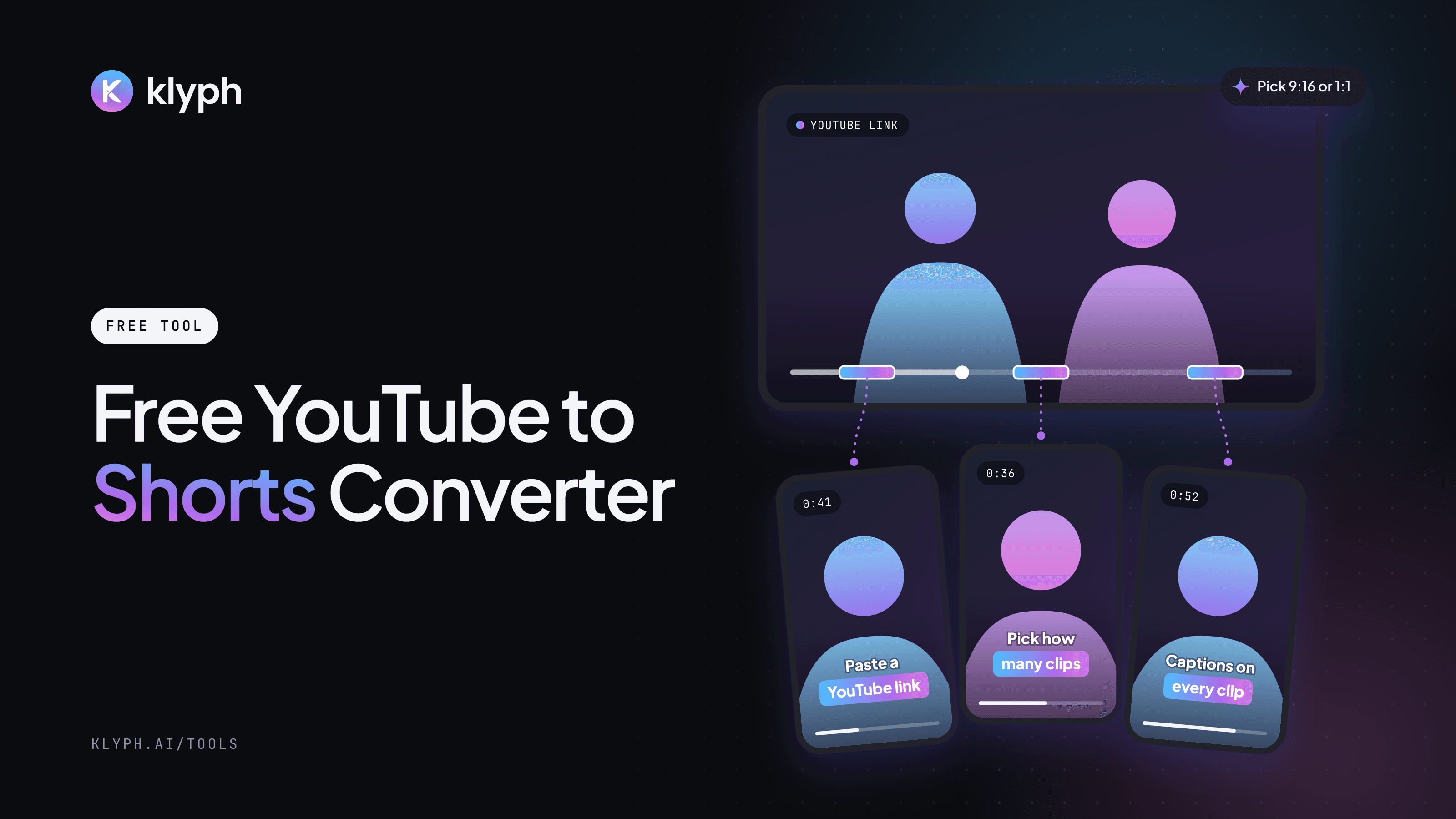 Works from a link
Free YouTube to Shorts Converter
Paste a YouTube link, choose up to 10 clips and 9:16 or 1:1. Klyph imports the video and cuts it into captioned Shorts.
Open tool
Stop letting the watermarkcost you views
Start free. Upgrade the moment your clips deserve to go out clean.
Billed annually
Free trial
Test the watersEverything to try it out.
- 60 minutes of transcription credits
- Watermark on video exports
- Standard queue
No commitment. Upgrade only when you're ready.
Pro
Save 20%For creators who publish weekly.
- Monthly minutes quota
- HD exports with no watermark
- Brand kits & caption presets
- Review links, priority queue, faster support
Watermark gone from your very next export. Need more minutes? Ask about team plans.
Roadmap, coming soon
- • Multilingual transcription
- • Speaker labels
- • Screen and webcam recorder
- • Templates for audiograms and social clips
- • AI helpers for titles, chapters, and summaries
- • Overdub features with clear consent and safeguards
Frequently asked questions
What does Klyph do?
Klyph turns long videos into short vertical clips. Paste a link or upload a file, and Klyph transcribes it, finds the moments with a strong hook, cuts them into 9:16 clips that follow the speaker, and adds word-level captions. You review the clips, edit what you want, and export MP4s. See the quickstart →
Which videos and links can I use?
Paste a link from YouTube, Vimeo, Loom, Zoom recordings, or Google Drive, or upload an MP4, MOV, MKV, or WebM file. Use videos you own or have the rights to repurpose.
Which languages does Klyph support?
Transcription supports 42 languages. English, Spanish, Portuguese, French, German, Hindi, Japanese, and Arabic have the highest accuracy. Clear audio gives the best results, and you can correct any word in the editor.
Can I export captions?
Yes. Captions are burned into the clip in the style you pick, and you can also export an SRT or VTT file in up to three languages alongside the burned-in caption. How captions work →
How does pricing work?
Klyph uses credits. One credit covers one minute of source video analyzed, rendered, and captioned in a standard style. Plans include monthly credits that roll over for up to three months. The free trial adds a watermark to exports, and Pro removes it. Billing and credits →
Can Klyph post clips to TikTok, Reels, and Shorts for me?
Not yet. Direct publishing is in development. Today you export each clip as an MP4 and upload it to the platform yourself. See the roadmap →
Who owns my videos and clips?
You do. You own what you upload and what Klyph generates from it. Your content is never used to train foundation models, and you can delete it at any time. Security and privacy →
Can I try Klyph for free?
Yes. The free tools let you trim a clip, preview caption styles, or set up Shorts from a YouTube link in your browser with no account. A free sign-up gives you trial credits to finish the job in Klyph. Try the free tools →