
Video clipping for agencies managing multiple creators
Klyph handles video clipping for agencies that manage several creators at once. Each creator has a different look, a different pace, and a different person who signs off. Klyph saves brand kits and caption presets so each look is set once, and review links let creators approve clips without anyone emailing large files.
Last updated
How do agencies run multiple creators through Klyph?
Set up each creator's brand kit and preset once, then run their long videos through the same steps. You can belong to several workspaces, and each workspace holds its own brand kit, so creators' fonts and colors stay separate. Clips go out for approval through review links, and the REST API covers batch jobs.
- Step 01
Set up each creator's look
Add a logo, colors, display font, and caption preset. Klyph applies them to every job in that workspace by default.
- Step 02
Run the week's videos
Upload files or paste links for each creator's long videos, or submit them from a script with the REST API.
- Step 03
Send review links
Creators watch and comment in the browser. You export the clips they approve.
What does an agency need that a solo creator doesn't?
Repeatability. Clipping for ten creators is hard because each one's style has to stay consistent as volume goes up. Brand kits, presets, and the API let one editor produce first cuts for several channels, then spend their time on the clips that need a human eye.
Brand kits and presets
Logo, primary and accent colors, and display font, plus four starting presets you can tune: Creator Default, Podcast, UGC, and Talking Head. Per-clip overrides cover one-off changes.
Review links instead of file transfers
Share a link and get comments on the clip. Workspaces can add unlimited read-only guest viewers, so creators don't need a paid seat to review.
REST API and hosted MCP server
Create projects, upload source, start processing, and list clips from code. The MCP server exposes the same jobs to Claude Desktop, Cursor, or Zed.
Pricing per editor
Pro is $19 per editor per month billed yearly, or $24 monthly. Larger teams can contact Klyph about team plans.
Status: Granular team roles, approvals on publish, and brand kits shared across accounts are on the roadmap, not live. Direct publishing to creators' social accounts is also still in development. See the roadmap.
Who is this for?
Agencies and in-house teams producing short-form for more than one channel. If your editors spend Monday pulling clips from five different creators' uploads, Klyph handles the first pass on each one and keeps every creator's styling attached to their own workspace.
- Talent and creator management agencies
- Social media agencies producing short-form for several clients
- In-house teams running more than one channel or show
What does a weekly batch look like?
Picture four creators who each send one long video a week. The steps below show how an agency could run that batch on a Monday morning. The roster is an example. Everything in it, from the API script to the review links, uses features that are live today.
Source: four creators, each sending one long video a week (a podcast, two vlogs, and a livestream)
- Each creator already has a workspace with their brand kit and preset saved.
- A script calls the REST API to create a project per video and submit processing.
- An editor opens each board, picks clips, and adjusts hooks.
- Review links go to each creator, and comments come back on the clip itself.
- Approved MP4s are exported and handed to each creator's posting schedule.
Frequently asked questions
Can each creator have their own brand kit?
Brand kits live at the workspace level, and you can belong to several workspaces. Running one workspace per creator keeps each look separate.
Can I automate clipping with an API?
Yes. The REST API creates projects, uploads source video, submits processing, and lists clips. The hosted MCP server offers the same actions to MCP clients like Claude Desktop and Cursor.
Can creators approve clips before they're posted?
Yes, through review links with comments. Formal approval steps tied to publishing are planned as part of team workspaces.
Does Klyph post to each creator's social accounts?
Not yet. Publishing through official APIs is in development, with support for multiple accounts per platform in a workspace. For now, export MP4s and post them through your usual tools.
How is Klyph priced for agencies?
Pro is billed per editor: $19 a month on a yearly plan or $24 month to month. Read-only guests are free. Contact Klyph for team plans.
Related use cases
- UGC & marketing
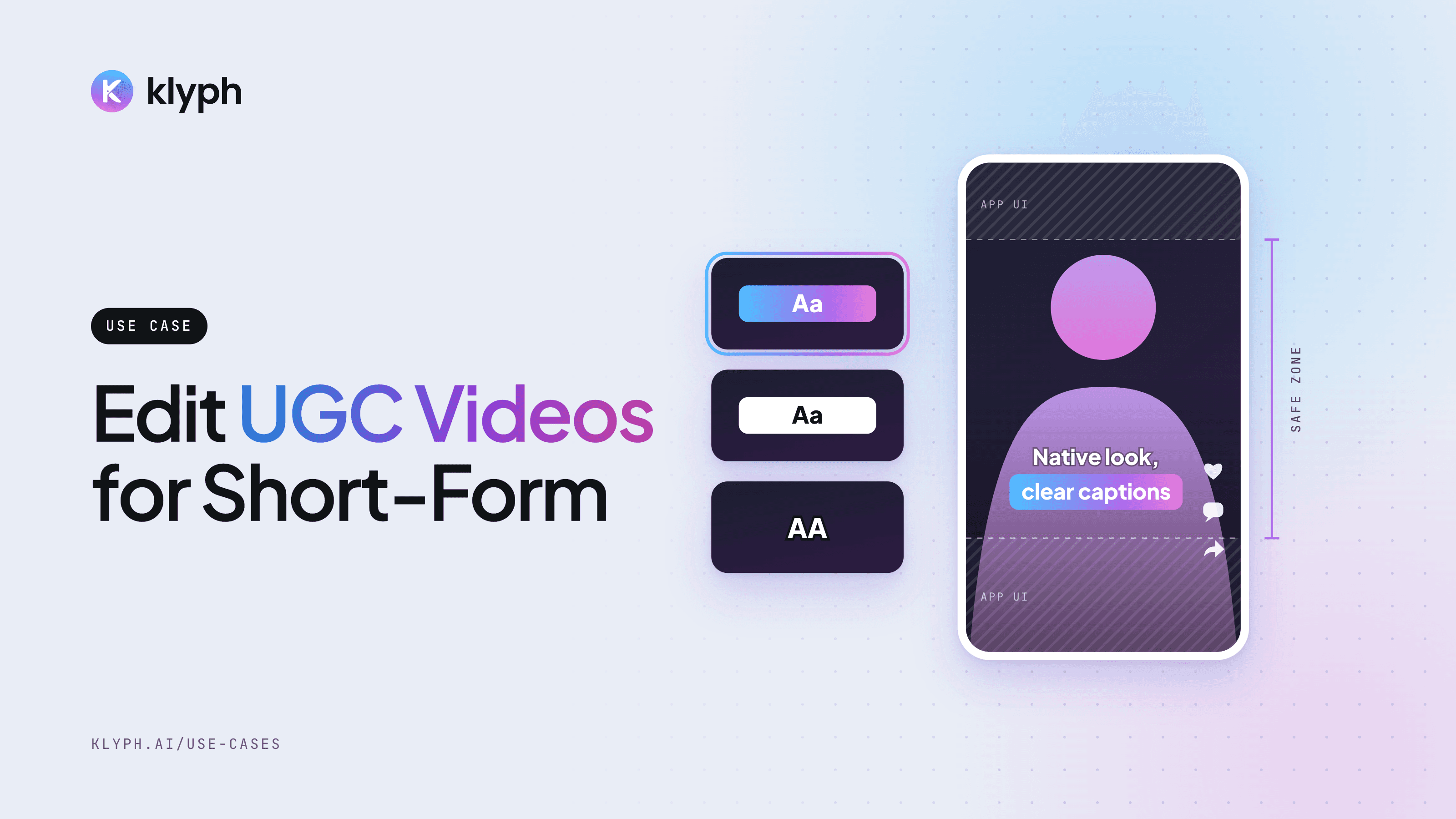
UGC and marketing videos
Turn raw creator takes and testimonials into native-looking short clips, with several hook variants to test.
See how it works - Podcasts
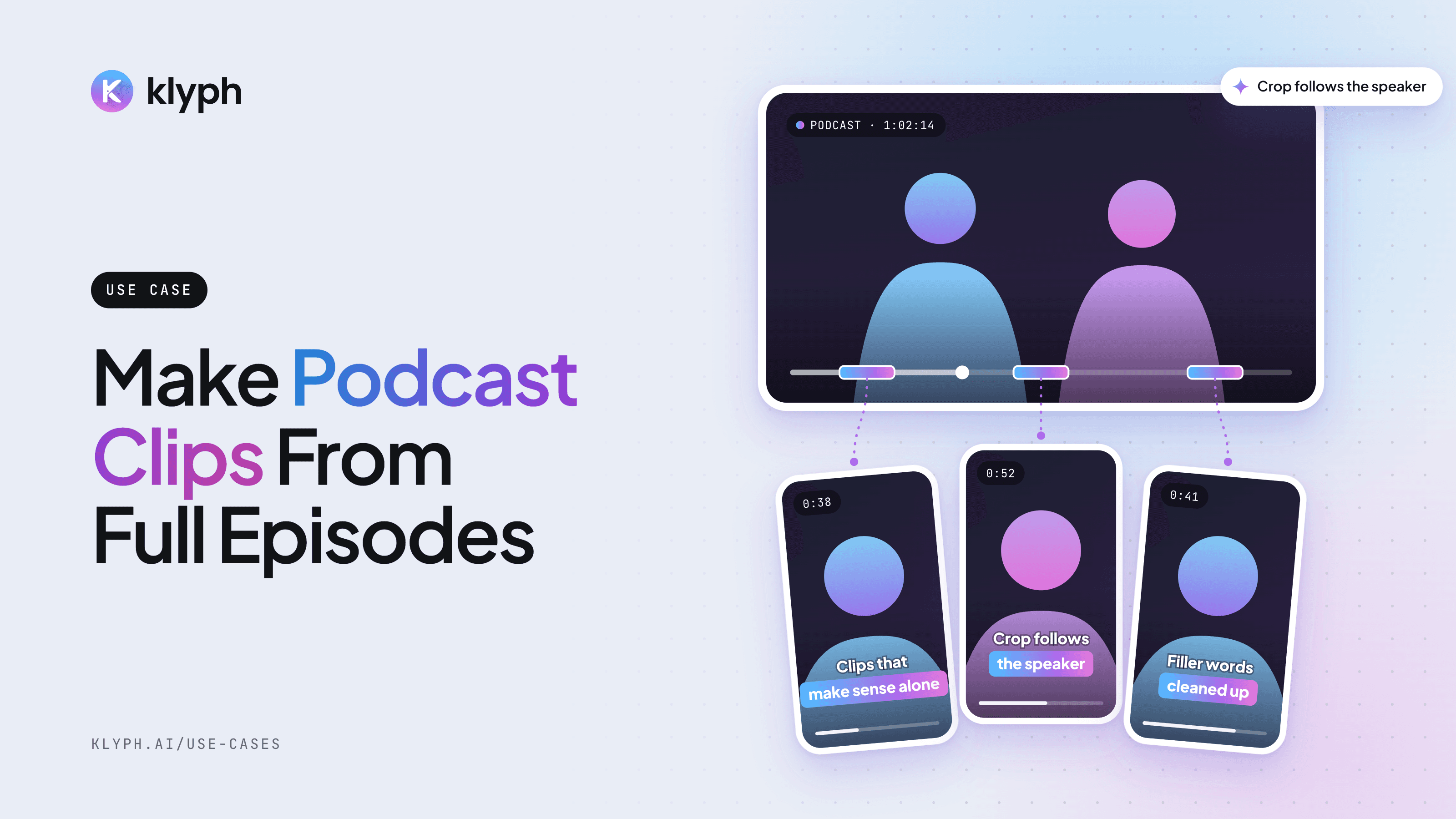
Podcast clips
Pull speaker-aware vertical clips out of a full episode, with the crop following whoever is talking.
See how it works